Conversational UI: Enhancing Human Computer Interaction

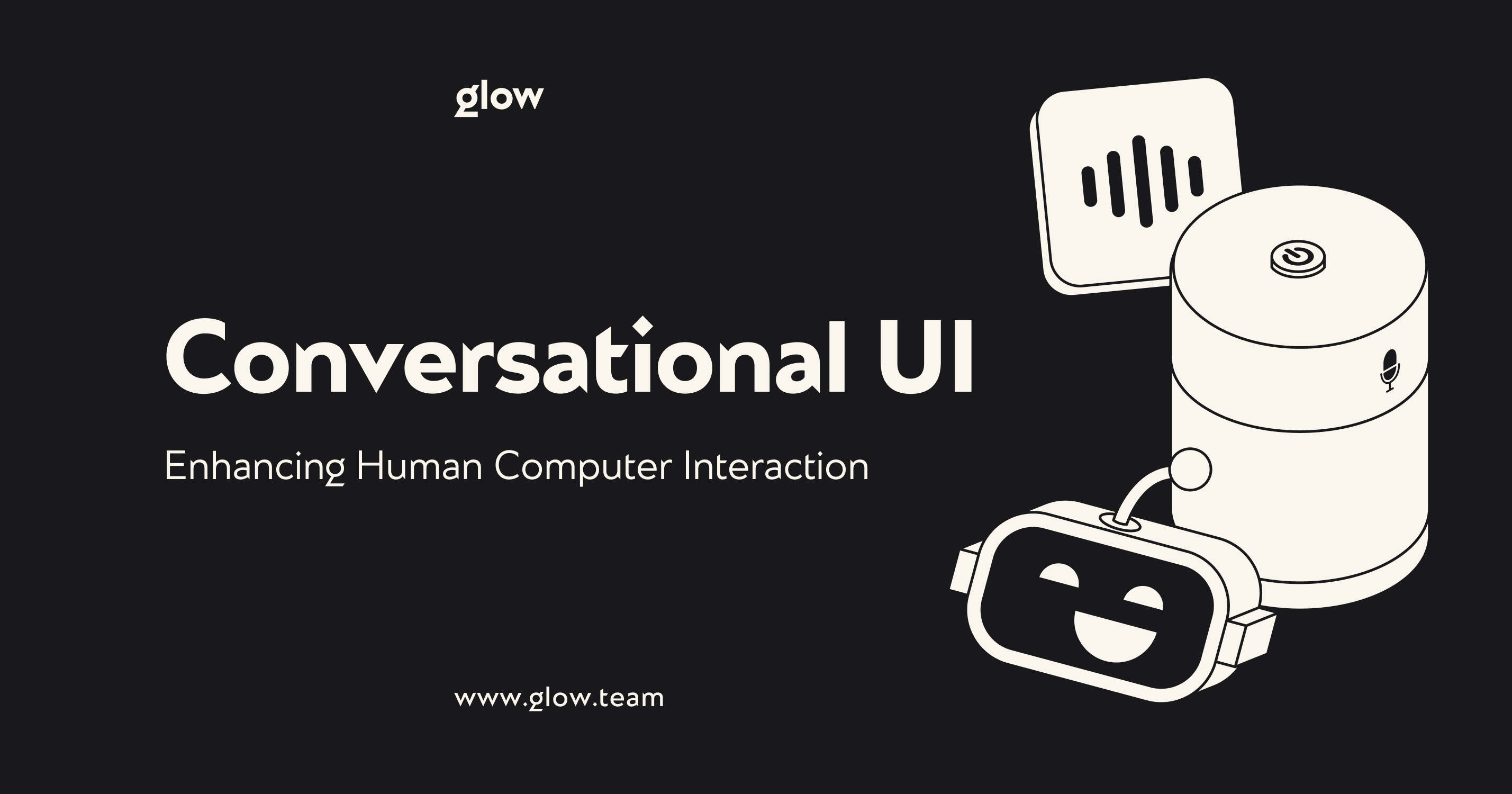

In today's world, technology is becoming more and more complex. However, our need for simple and intuitive interaction with technology is growing. This is where conversational UI emerges as a revolutionary solution. Imagine a future where, instead of learning complex interfaces, you simply talk to your devices as naturally as you would to a friend. That future is already coming, and 2025 will be revolutionary.
Artificial intelligence (AI) and modern natural language processing technologies transform cold and faceless interfaces into responsive digital assistants. From smart speakers in our homes to virtual assistants in our smartphones, conversational UX is changing how we interact with technology.
In this article, we'll explore the exciting world of conversational UI design, break down its key principles, and learn how this technology is already transforming industries from healthcare to education. Are you ready to talk to the future?

What Is Conversational UI Design?
Conversational UI design organizes interaction between a human and a computer system based on the principles of natural dialogue using text or voice, where the interface simulates human communication to perform the user's tasks.
This approach radically differs from traditional graphical interfaces with buttons, menus, and forms. At the heart of conversational UX is a simple idea: to enable natural interactions between users and technology, similar to human conversation. The main aspects of a conversational interface:
Principles of communication
- The system understands queries in ordinary language
- Responses are generated in a conversational style
- Contextual understanding of dialog
- Possibility of clarifications and corrections
Key interface elements
- Chat-like communication format
- Ready-to-use answer options and hints
- System status indicators
- Media file support
Application areas
- Chatbots and virtual assistants
- Voice Assistants
- Customer service systems
- Educational platforms
When designing a conversational interface, it is essential to balance the naturalness of communication and task efficiency. It provides an intuitive path to the user's goals.
Evolution of User Interfaces Towards Conversational Models
The history of user interfaces is a story of the constant quest to simplify human-machine interaction. From the first command lines, we came to graphical interfaces. But now we are all moving towards an era where artificial intelligence is becoming the dominant way to interact with technology. Key evolutionary milestones:
- Command line (1960s). It was characterized by the need to know special commands and syntax. It made computers accessible only to specialists.
- Graphical interface (1980s). It revolutionized the desktop metaphor and introduced visual controls. It made interacting with the computer much easier.
- Touch interfaces (2000s). They made interacting with devices even more intuitive. It allowed direct manipulation of objects on the screen.
- Conversational UX (present day). It represents the next evolutionary step, where interaction occurs through natural speech and text.

Key Principles of Conversational UI Design
The Four Golden Rules of UI Design Applied to Conversational Interfaces
In a world where communicating with technology is becoming more and more natural, the classic interface design rules are taking on a new meaning. Let's take a look at how traditional principles are being transformed in the era of dialog interfaces:
- Consistency and predictability
When designing conversational UIs, ensuring consistency in communication style and predictability in system responses is essential. The user should feel they are communicating with the same "personality" rather than a set of disparate algorithms.
- Contextual relevance
Conversational UI design should consider the context of the interaction and adapt its responses accordingly. The system must remember previous interactions and utilize that information. It allows them to construct more relevant responses.
- Empathy and personalization
Modern conversational interfaces must demonstrate an understanding of the user's emotional state. And as a consequence, they must adapt their tone accordingly. Artificial intelligence helps them analyze the user's mood and tailor their communication style.
- Transparency and honesty
The system should make it clear that it is artificial intelligence. It should openly communicate its limitations and capabilities.
Ensuring Natural Language Processing (NLP) Integration
Modern conversational UX is unthinkable without advanced natural language processing systems. Artificial intelligence plays a key role in understanding the nuances of human speech. It is the one that can recognize context and generate relevant responses. NLP technologies allow systems to:
- Understand the user's intentions even with imprecise wording
- Recognize the emotional undertones of messages
- Generate natural and contextually relevant responses
- Maintain a consistent dialog while preserving context
Designing for User Intent and Context Awareness
When designing conversational UIs, it is critical to correctly interpret user intent. It includes:
- Analyzing the user's explicit and implicit goals
- Understanding the context of the interaction
- Taking into account previous interaction experience
- The ability to ask follow-up questions

Types of Conversational Interfaces
Chatbots vs. Conversational UI: Understanding the Differences
Although chatbots and conversational UI are often considered synonymous, they have important differences. Chatbots are usually limited to predefined scenarios and simple responses. On the other hand, full-fledged conversational UX involves a deeper understanding of context and the ability to engage in complex dialog. The key differences are:
- Depth of Understanding. Chatbots work from predefined scripts, whereas modern conversational UI uses artificial intelligence to truly understand the dialog's content.
- Flexibility of Interaction. Conversational UI design assumes the system's ability to adapt to different communication styles and unexpected turns in conversation.
- Contextual Memory. Unlike simple chatbots, advanced conversational UIs can maintain long dialogs with context retention.
Voice-Activated Assistants
Voice assistants are a special category of conversational interfaces. They add an extra layer of complexity through speech recognition and synthesis. Modern voice assistants utilize advanced artificial intelligence to:
- Accurately recognize speech in different environments
- Understand different accents and dialects
- Natural speech synthesis
- Speaker recognition and personalization of responses
Text-Based Conversational Agents
Text-based conversational agents remain the most common form of conversational UX. They are used in a variety of contexts:
- Customer support services
- Booking systems
- Educational platforms
- Personal assistants in applications

Designing Effective Conversational Experiences
Crafting Engaging Dialogue Flows
Effective conversational UI design requires careful planning of dialog flows. This complex process combines linguistics, communication psychology, and technical aspects of the interface. The user should perceive a well-designed dialog flow as a natural conversation rather than a series of mechanical commands.
Creating conversational scenarios that work starts with a deep understanding of the user's needs and context of use. Dialogs should be adaptive, considering previous interactions and anticipating the user's intentions.
The interface's unique "voice" and personality play a key role in shaping the user experience. They must be consistent with the brand and target audience while remaining consistent across all interactions.
Special attention is paid to handling errors and situations of misunderstanding. The system must gracefully handle unexpected responses, offer alternative solutions, and maintain the dialog context even in problematic situations.
Smooth transitions between topics ensure the integrity of the user experience, helping the user feel confident in achieving their goals.
Incorporating User Feedback and Iterative Improvements
Continuous improvement of conversational UX is based on analyzing real-world interactions. This is a continuous process that requires a systematic approach and attention to detail:
- Collecting and analyzing user dialogs reveals system usage patterns, preferred query formulations, and typical interaction scenarios. This provides invaluable data to improve the naturalness of dialogs and increase system efficiency.
- Identifying typical problems and difficulties helps identify bottlenecks in dialog flows, moments of misunderstanding between the user and the system, and situations where users deviate from intended usage scenarios.
- Optimizing responses based on feedback involves adjusting the tone of communication, clarifying wording, and adapting dialog strategies. It is important to balance formality and friendliness while maintaining a professional approach.
- Regular updating of the system's knowledge base is necessary to keep the information up to date and enhance the dialog interface's capabilities. This includes adding new scenarios, updating existing responses, and expanding the system's vocabulary.
Addressing Common Challenges in Conversational UI Design
Creating an effective conversational UI presents several fundamental challenges requiring an integrated design and development approach. Each challenge requires careful analysis and thoughtful solutions to ensure a quality user experience.
- Handling ambiguity
Developing mechanisms to clarify user intent requires intelligent algorithms to recognize the context and meaning of queries. The system must determine when a clarifying question needs to be asked and when it can act on available information.
Creating context-sensitive responses involves analyzing previous interactions and the current situation. This is extremely helpful in generating relevant and useful responses.
User expectations are managed by clearly communicating the system's capabilities and limitations.
- Maintaining context
Tracking the history of a dialog allows conversational UI design to form coherent and consistent responses that take into account the entire previous conversation.
Understanding references to previous parts of a conversation requires sophisticated natural language processing algorithms and context management.
Proper pronoun resolution and indirect references is necessary to maintain the naturalness of the dialog.
- Error handling
Correctly recognize typos and handling typing errors through fuzzy search and context analysis algorithms.
Politely pointing out ambiguities helps maintain a positive interaction experience even in problematic situations.
Offering alternative solutions ensures that the user can achieve their goals even when faced with difficulties.

Future Trends in Conversational UI
Advancements in AI and Their Impact on Conversational Design
The development of artificial intelligence opens up new opportunities for conversational UX. Modern language models have significantly improved the quality of dialog interfaces. It has made communicating with systems more natural and efficient.
- Improved understanding of context and intent allows systems to more accurately interpret complex user queries, taking into account nuances and subtext in communication.
- More natural response generation enables human-like communication by adapting tone and style to the situation and user.
- Deep learning from interactions helps systems continuously improve the quality of dialogs by considering successful and unsuccessful communication scenarios.
- Multimodal interaction enhances communication capabilities by allowing systems to work with text, voice, and visual content in a single context.
The Role of Emotion Recognition in Enhancing User Experience
Emotional intelligence is becoming an essential aspect of conversational UI Design, significantly affecting the quality of interaction between the user and the system. Modern technologies allow for more responsive and empathetic interfaces.
- User tone and mood analysis help the system recognize messages' emotional context by evaluating text and voice characteristics.
- Communication style adaptation allows the system to adjust to the user's emotional state by selecting the appropriate tone and level of formality.
- Empathic response to emotional states provides a more comfortable interaction, especially in stressful or conflict situations.
- Personalized recommendations are formed considering the emotional context, which increases their relevance and usefulness for the user.

Frequently Asked Questions (FAQ)
How does conversational UI impact user engagement?
Conversational UX significantly increases user engagement through several factors:
- More natural and intuitive interactions
- Personalized responses and recommendations
- Emotional connection to the interface
- Reduced cognitive load when using
What industries benefit most from conversational UI?
Conversational interfaces are particularly effective in the following industries:
E-commerce:
- Personalized product recommendations
- Assistance in selecting and comparing products
- Order processing automation
Healthcare:
- Primary symptom screening
- Medication reminders
- Patient monitoring
Financial Services:
- Account and transaction management
- Financial Counseling
- Insurance claims processing
Can small businesses implement conversational UI effectively?
Modern technology has made conversational UI accessible to businesses of all sizes. Small businesses can:
- Use off-the-shelf platforms and solutions
- Start with simple scripts and gradually expand the functionality
- Apply cloud-based artificial intelligence services
- Integrate conversational UIs with existing systems
What are common mistakes in conversational UI design?
When creating a conversational UI, it is essential to avoid the following common mistakes:
Not paying enough attention to the context of the conversation
- Ignoring previous interactions
- Failing to maintain a consistent dialog
- Losing important contextual information
Poor error handling
- Lack of failure recovery mechanisms
- Unclear error messages
- Lack of alternative ways to solve problems
Over-automation
- Attempts to automate overly complex processes
- Lack of flexibility in non-standard situations
- Lack of ability to contact a live operator
Problems with personalization
- Ignoring user preferences
- Lack of adaptation to the user's communication style
- Failure to take interaction history into account
Conclusion
Conversational UX is becoming an integral part of the digital landscape. As AI technologies evolve and conversational UI design techniques improve, we will see conversational UIs more deeply integrated into our daily lives. The key to success in this area is to stay attentive to user needs, continuously improve technology, and adhere to ethical principles when designing and implementing conversational UIs.

.svg)

Related Articles Prompted by Glow


















Get weekly glow prompts—
insights from the frontline of product design
Check your inbox for future updates.

No spam.
Just sharp insights that make you better at design & AI.
Want results like this? Book a call
Let's talk through your product in 20 minutes — no briefs, no fluff. Just a real conversation.