Rhythm in Design: Types, Examples and How to Use It in UI

AI Summary. What’s included?
This guide explains rhythm in design as the repetition of visual elements at intervals the eye can follow. It separates rhythm from repetition, pattern and harmony, explains why rhythm matters in product and web design, and walks through the five types of rhythm: regular, alternating, progressive, flowing and random. The guide then shows how to build rhythm with spacing, size, color, type and line, applies it to UI through spacing systems, vertical rhythm, landing pages and motion, and covers common mistakes and how to check a layout.
Rhythm in design explained: the 5 types of rhythm with art and UI examples, how to build it with spacing and type, and how to check it in a layout.
Rhythm in design is the repetition of visual elements, such as shapes, colors, spacing or type, at intervals the eye can follow. It works like a beat in music. Once a viewer picks up the pattern, they move through the layout without effort, and any break in the pattern reads as a signal.
Most guides explain rhythm with paintings. The same principle also decides whether a landing page feels calm or chaotic and whether a dashboard is easy to scan, so below each type gets an art example and an interface example.
What is rhythm in design?

You create rhythm by repeating an element (a card, a color, a line, a gap of white space) and controlling the interval between repeats. The interval is what turns repetition into rhythm. Twenty identical cards placed at random are just clutter. Twenty cards on an even grid have a beat.
Rhythm vs repetition, pattern and harmony
These terms get mixed up, so here's how they relate. Repetition is the raw material: the same element used more than once. Pattern is repetition arranged into a fixed, predictable unit, like wallpaper or a checkerboard. Rhythm is repetition with a sense of movement and variation, so it leads the eye somewhere instead of tiling the surface. Harmony is broader. It describes how well all the parts fit together, and rhythm is one of the tools that gets you there.
Why rhythm matters in product and web design
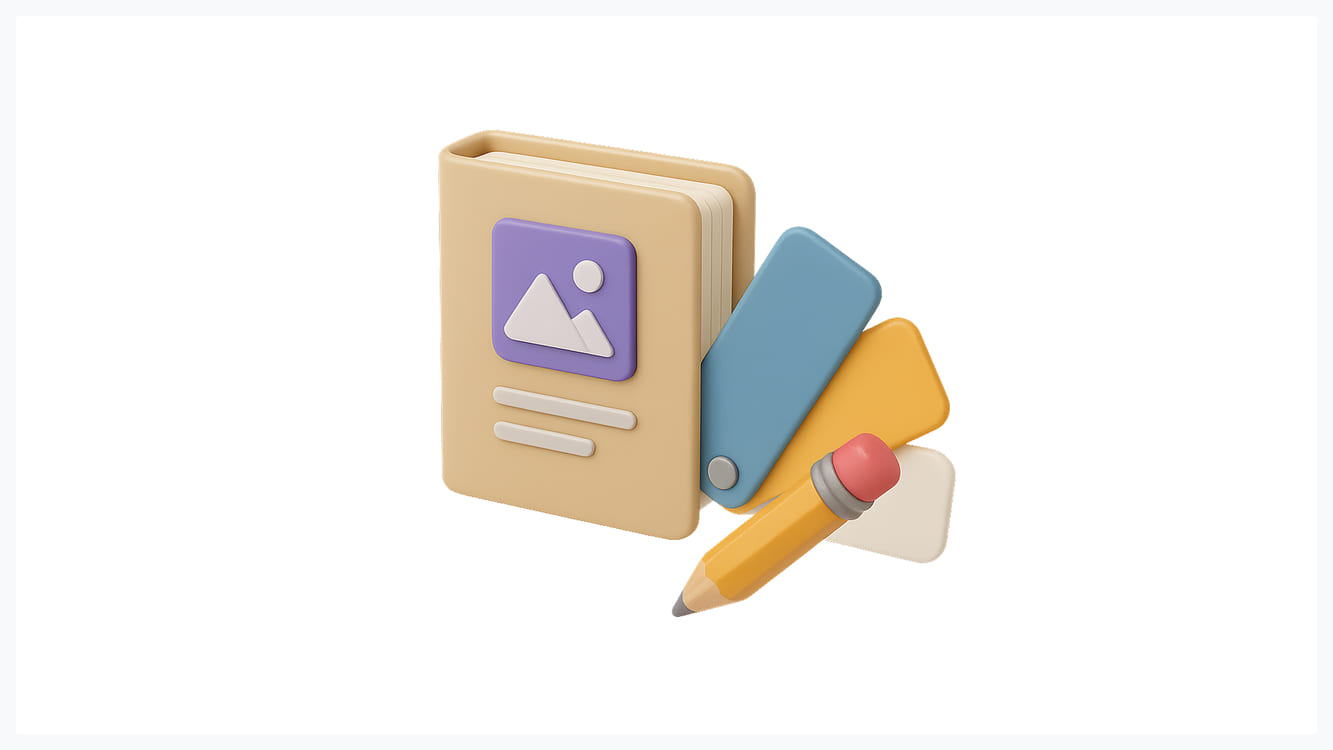
On a screen, rhythm does practical work. Consistent intervals let users predict where the next item will be, which speeds up scanning. A list where every row has the same height and spacing can be read at a glance; one where the gaps vary by a few pixels feels "off" even if nobody can say why.
Rhythm also makes exceptions visible. If every section on a page follows the same beat, the one that breaks it (a full-bleed testimonial, a bold call to action) gets noticed. Without an underlying rhythm, there's nothing to break, so emphasis has to come from size and color alone.
5 types of rhythm in design
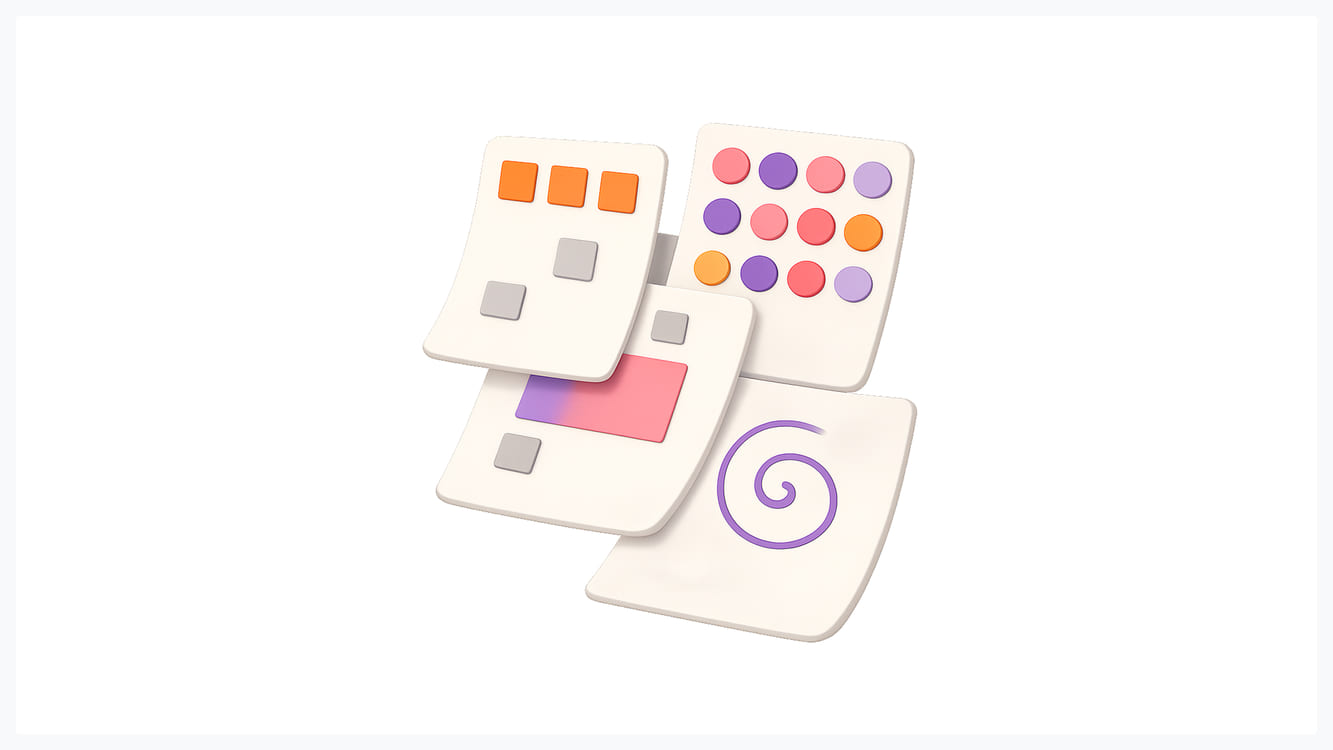
Art and design courses usually name five types. Some list four and leave out flowing rhythm.
Regular rhythm
The same element repeats at the same interval. Andy Warhol's Campbell's Soup Cans, 32 near-identical canvases hung in a grid, is the textbook example. In UI, it's a product grid, a row of equal pricing cards, or a table with fixed row heights. Regular rhythm feels stable and orderly, which is why it suits data-heavy screens. Overused, it gets monotonous.
Alternating rhythm
Two or more elements take turns in a set sequence: A, B, A, B. The arches of the Great Mosque of Córdoba alternate red brick and pale stone, and you can feel the beat from across the hall. On the web, the classic case is a features page where the image sits left, then right, then left again. Zebra-striped table rows do the same job at a smaller scale, helping the eye stay on one row across a wide table.
Progressive rhythm
An element repeats while one property changes step by step: size, color, spacing or position. A nautilus shell grows this way. In interfaces, a type scale is progressive rhythm. If body text is 16px and each heading level multiplies by 1.25, you get 20, 25, 31 and 39px, and the hierarchy feels related rather than random. Step indicators, loading bars and pricing tiers that grow in emphasis from Basic to Enterprise use the same idea.
Flowing rhythm
Repetition follows curves instead of straight lines, so the movement feels organic. Think of Hokusai's The Great Wave off Kanagawa, where repeated crests and claw-like foam carry the eye across the print. In web design, flowing rhythm shows up in wave-shaped section dividers, scroll-driven storytelling pages, and illustrations that lead from one block to the next.
Random rhythm
Elements repeat without a fixed interval. Jackson Pollock's Autumn Rhythm is the famous case: no two drips are spaced alike, yet the painting still has energy and coherence. In UI, a masonry layout of testimonials or a scattered set of brand illustrations uses random rhythm. It needs an anchor, usually a consistent color palette or card style, so the randomness reads as intentional.
How to create rhythm: spacing, size, color, type and line
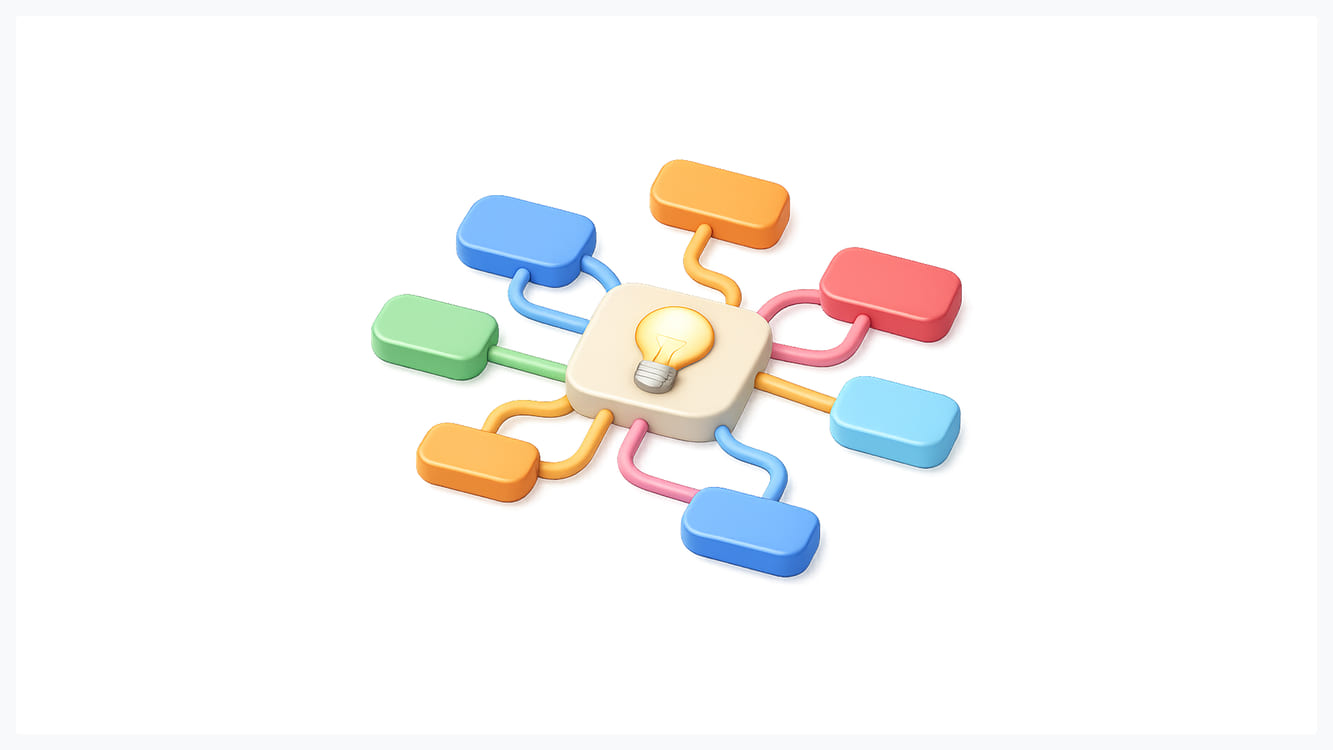
Spacing does the most work. The gaps between elements set the beat more than the elements themselves. Equal gaps between cards create regular rhythm; larger gaps between groups than within them create a two-level beat that also tells users what belongs together, which is the proximity principle at work.
Size repeated at fixed steps creates progressive rhythm, as in the type scale above. Color creates rhythm when an accent repeats at intervals, for example a brand color on every section's eyebrow label, or on every primary button down a long page. Type styles do it through consistent heading, body and caption treatments that the reader learns within a few scrolls. Line, including dividers, borders and alignment edges, gives the eye a track to follow.
Rhythm is hard to hold by eye across 40 screens, so teams encode it in spacing tokens, type scales and component specs. A documented design system keeps it consistent after the first designer leaves.
Rhythm in UI and web design
Spacing systems and the 8pt grid
Most product teams pick a base unit and make every margin, padding and gap a multiple of it. The most common choice is 8px, with 4px allowed for tight spots like icon padding. Material Design is built on this 8dp grid. The point isn't the number itself. It's that a page using 8, 16, 24, 32 and 48 has a recognizable beat, while one using 10, 13, 18, 22 and 37 never settles. When we audit an inconsistent interface, mixed spacing values are one of the first things we count, and the total is almost always higher than the team expects.
Vertical rhythm in typography
Vertical rhythm means text and the space around it line up to a shared baseline unit as you read down the page. A typical setup is 16px body text with a 24px line height, paragraph spacing of 24px, and heading line heights that are also multiples of 8 (32px, 40px).
Line height also has an accessibility side. WCAG's text spacing criterion requires that content still works when users raise line height to 1.5 times the font size, so a rhythm built on very tight leading can break for those users. Build the grid around readable line heights, not the other way round.
Rhythm across a landing page
A long page has a rhythm of its own, made of sections. A common beat is wide hero, then three-column features, then an alternating image-and-text block, then a dark full-width testimonial band, then pricing. The changes in background and density act like measures in music. Problems start when every section has the same layout and background, and the page turns into one long gray scroll where users can't tell where they are. We plan this section-level rhythm before drawing a single component on landing page design projects, usually as a strip of thumbnails that shows the light and dark bands at a glance.
Rhythm in motion and transitions
Motion has rhythm in time instead of space. Consistent durations (for example, 150 to 200 milliseconds for small state changes and around 300 for larger panels) make an interface feel coherent. Staggered list animations, where each item enters 30 to 50 milliseconds after the previous one, are progressive rhythm applied to time.
Common rhythm mistakes

The most frequent one is monotony. Every card and every section follows the same regular beat, nothing stands out, and users skim past the part you most wanted them to read. The opposite mistake is too many rhythms at once: alternating images, a masonry grid, wave dividers and animation on every block, with no dominant beat.
The quietest mistake is broken rhythm from one-off values. A designer nudges one card 6px to make text fit, a developer adds a margin by eye, and over a few releases the spacing drifts. Fixing it usually means auditing spacing values and replacing them with tokens, much like cleaning up confusing navigation starts with mapping what's actually there.
How to check rhythm in your layout
Blur the design. In Figma, add a layer blur of 10 to 20 over the frame, or just squint at the screen. Detail disappears and only the blocks and gaps remain. If the rhythm is good, you'll see a clear beat of masses and spaces. If it's broken, uneven gaps jump out immediately.
Then switch to grayscale to see whether the layout depends on hue that some users won't perceive. Finally, scroll the live page fast. Good section rhythm reads as distinct bands, like chapters. Without it, the page is one long blur.
Rhythm in design comes down to choosing a beat and keeping it, then breaking it only where you want attention. Get the spacing system and type scale right first, and most of the rest follows.
Frequently asked questions
What are the five types of rhythm in design?
The five types are regular, alternating, progressive, flowing and random rhythm. Some sources list only four and leave out flowing rhythm, the one that follows curves rather than straight lines.
What is a simple definition of rhythm in design?
Rhythm is the repetition of visual elements at intervals the eye can follow, which creates a sense of movement through a design.
What is the difference between harmony and rhythm in design?
Rhythm is about repetition and movement: how elements recur and lead the eye. Harmony is about fit: whether all the parts of a design feel like they belong together. Rhythm is one of the ways to create harmony.
What are the 7 main principles of design?
Lists vary, but a common set is balance, contrast, emphasis, movement, pattern, rhythm and unity. Some versions swap in proportion, hierarchy, repetition or white space.
What is an example of rhythm in design?
A features page that alternates image-left and image-right sections is alternating rhythm. A product grid with equal cards and equal gaps is regular rhythm. A type scale where each heading is 1.25 times larger than the one below is progressive rhythm.

.svg)





Get weekly glow prompts—
insights from the frontline of product design
Check your inbox for future updates.
No spam.
Just sharp insights that make you better at design & AI.
Want results like this? Book a call
Let's talk through your product in 20 minutes — no briefs, no fluff. Just a real conversation.