UX design process:
the 6 steps behind every product we ship
Good design isn’t luck, it’s process. This is the UX and product design process we run on every project: from research and wireframes to polished UI, usability testing and developer handoff, with no black boxes.


A structured UX process is the difference
between building it once and building it twice

It’s not about looks. Most design problems don’t come from bad aesthetics. They come from skipped steps.
Speed has a cost. Teams that jump from idea to interface without research or testing ship fast and rebuild slowly.
Structure prevents waste. A user-centered design process makes the big decisions while they’re still cheap to change.
What happens when you
skip the UX process

Endless revision cycles
Without a validated process, every stakeholder review brings new changes. We settle assumptions at the wireframe stage, so revisions shrink as the project moves forward instead of growing.
Features users can’t find or don’t understand
Navigation built without journey mapping gets harder to use as the product grows. Users can’t find what they need, so they leave or open a support ticket.

Redesigns that start from zero
Products built without design documentation drift over time. When the redesign comes, there’s no system to build on, just a codebase and a blank Figma file.
Low adoption despite good functionality
A product can work perfectly and still fail if users can’t figure out how to reach the value. Adoption is a design problem before it’s a marketing one.
UX process work thatmoved the product forward
Real projects: the challenge, the approach and the outcome.
The 6 stages of our
UX design process
Six UX design phases. Each builds on the last, and none gets skipped.
Discovery & Research
Business goals, target users and the competitive landscape. Interviews, analytics review and market research form the base for every decision that follows.
User Personas & Journey Mapping
Personas built on data, not guesses, and journey maps that show key touchpoints, drop-off risks and the moments that shape the experience.
Information Architecture
Content hierarchy, navigation and user flows, organized around how users think about the problem, not how the database is structured.
Wireframing & Prototyping
Low-fidelity wireframes settle layout and hierarchy. High-fidelity interactive prototypes let you walk through every critical flow before development.
Usability Testing & Refinement
5 to 8 people from your target audience test the prototype in structured sessions. Findings go back into the design before final delivery.
Implementation & Optimization
Developer-ready specs, design system handoff and our involvement during development, so the shipped product matches the tested design.
DISCOVERY · WEEK 2
Every decisionmade on instincttraced back to research
PERSONA · MAYA
The personaa guess with a stock photoa person from the data
CARD SORT · 14 PARTICIPANTS
The menusorted by the teamsorted by 14 users
BILLING APP · INVOICES
One screenboxes to agree the layoutthe real thing, before code
PROTOTYPE · INVOICE · V1 → V2
Each findinga slide in a decka change in the design
QA · BUILD OVER DESIGN
The shipped productclose to the designchecked against it, pixel by pixel
Our UX design workflow,
week by week
You always know where the project stands and what you need to do next.
Discovery & Research
Kickoff workshop, stakeholder interviews and competitive analysis. By the end of week one you see user insights and a clear problem framing, not a deck asking for more time.
Week 1Architecture & Wireframes
Information architecture, user flows and low-fidelity wireframes. Review rounds are built in, and we move on your input.
Weeks 2 to 3Prototype & Test
A high-fidelity prototype, tested with real users. Findings are worked into the design before delivery.
Weeks 4 to 5~2 hrs / week
A weekly sync plus async feedback in Figma or Slack. We run the process, you make the decisions that matter.
Your timeA full UX design process engagement usually takes 6 to 10 weeks, depending on product scope and complexity.
Why product teams
trust Glow for UX design


Research before pixels, always
We don’t open Figma before we understand your users. Assumptions are expensive in UX, so we replace them with evidence before any design decision.
Every phase validated with real users
We don’t design in isolation and test at the end. Validation happens at the wireframe stage, at the prototype stage and again before delivery, while problems are still cheap to fix.
Aligned with your engineering team from day one
Design decisions that ignore technical constraints get changed in development. We involve engineers early, so what gets designed is what gets built.
Scalable design systems as standard
Every engagement produces a documented component library your team can build on. One source of truth for every screen, state and interaction.
AI-assisted user insights
AI tools help us process behavioral data faster and spot patterns at scale, so more time goes into understanding what users need, not counting clicks.
Transparent, milestone-based process
You see progress at every phase. Review and feedback checkpoints are built into each stage, with no black-box weeks.
We don’t open Figma before we understand your users. Assumptions are expensive in UX, so we replace them with evidence before any design decision.
We don’t design in isolation and test at the end. Validation happens at the wireframe stage, at the prototype stage and again before delivery, while problems are still cheap to fix.
Design decisions that ignore technical constraints get changed in development. We involve engineers early, so what gets designed is what gets built.
Every engagement produces a documented component library your team can build on. One source of truth for every screen, state and interaction.
AI tools help us process behavioral data faster and spot patterns at scale, so more time goes into understanding what users need, not counting clicks.
You see progress at every phase. Review and feedback checkpoints are built into each stage, with no black-box weeks.











.jpeg)
Digital products
we design
The process adapts to the product, from an early-stage startup to an enterprise redesign.
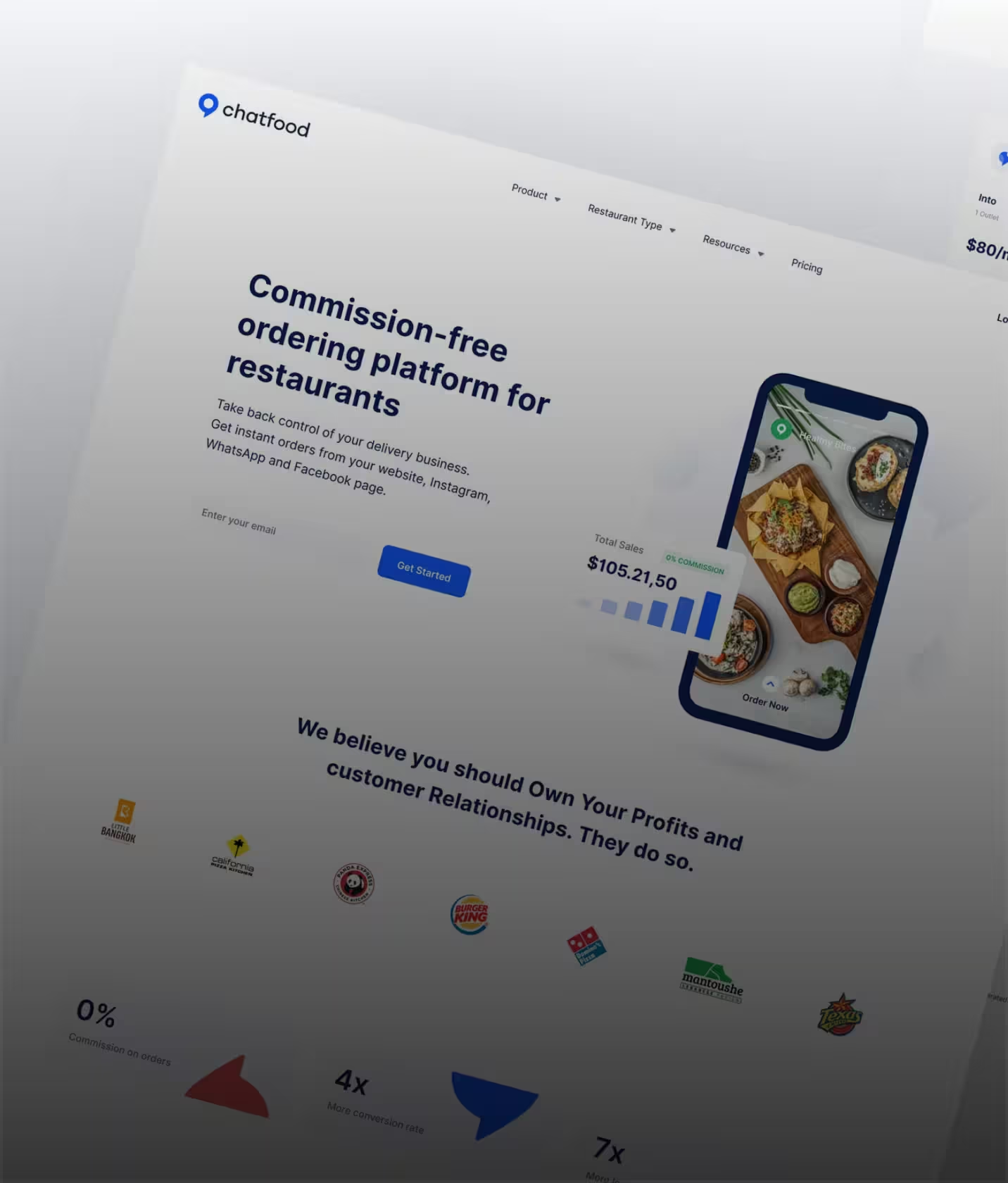
Web Applications
Complex, multi-role web products designed for clarity. IA, flows and interface logic come from research, not convention.
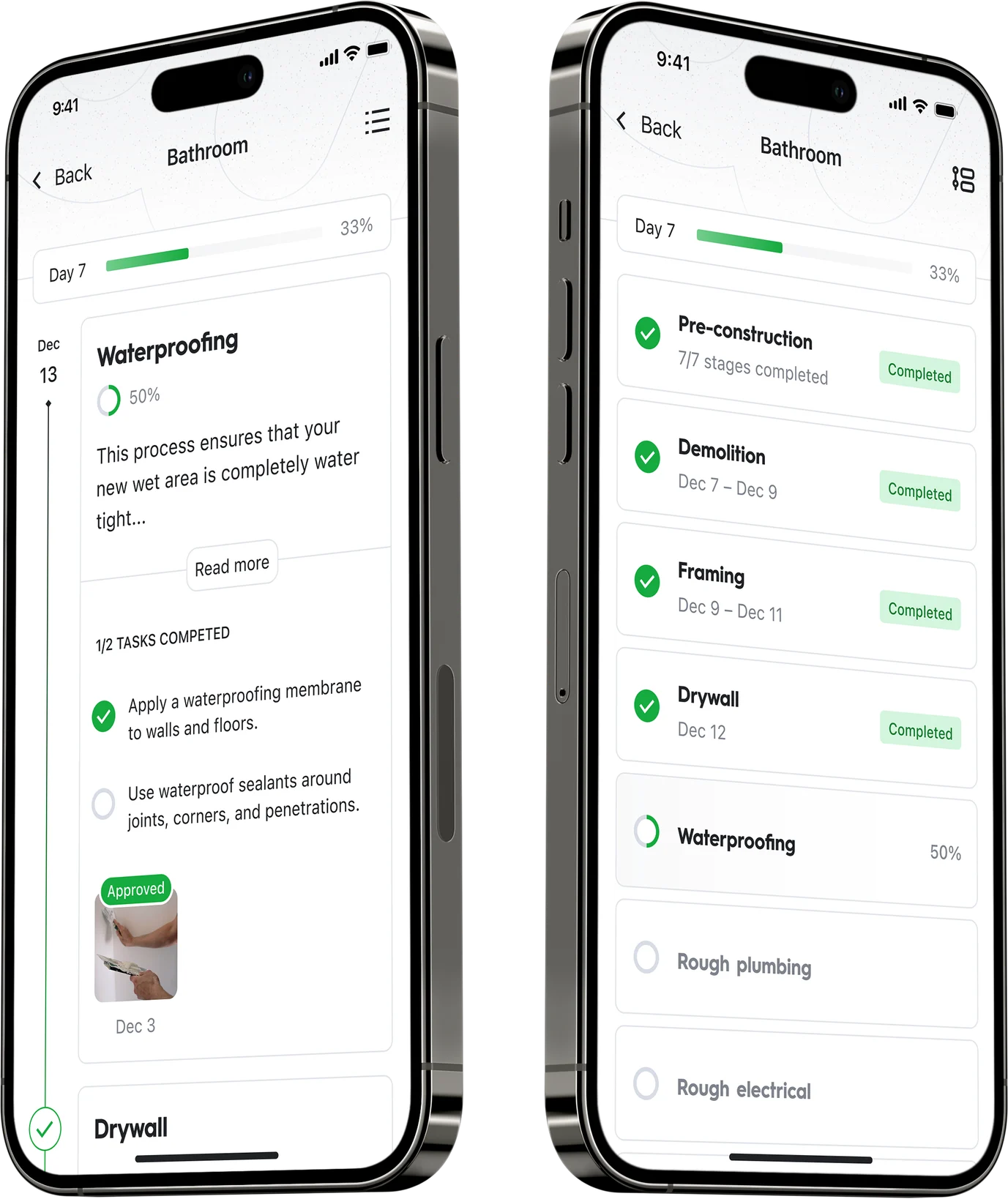
Mobile Apps (iOS & Android)
Native and cross-platform apps designed around thumb reach, context of use and platform conventions, then tested on real devices. More on our mobile app design.
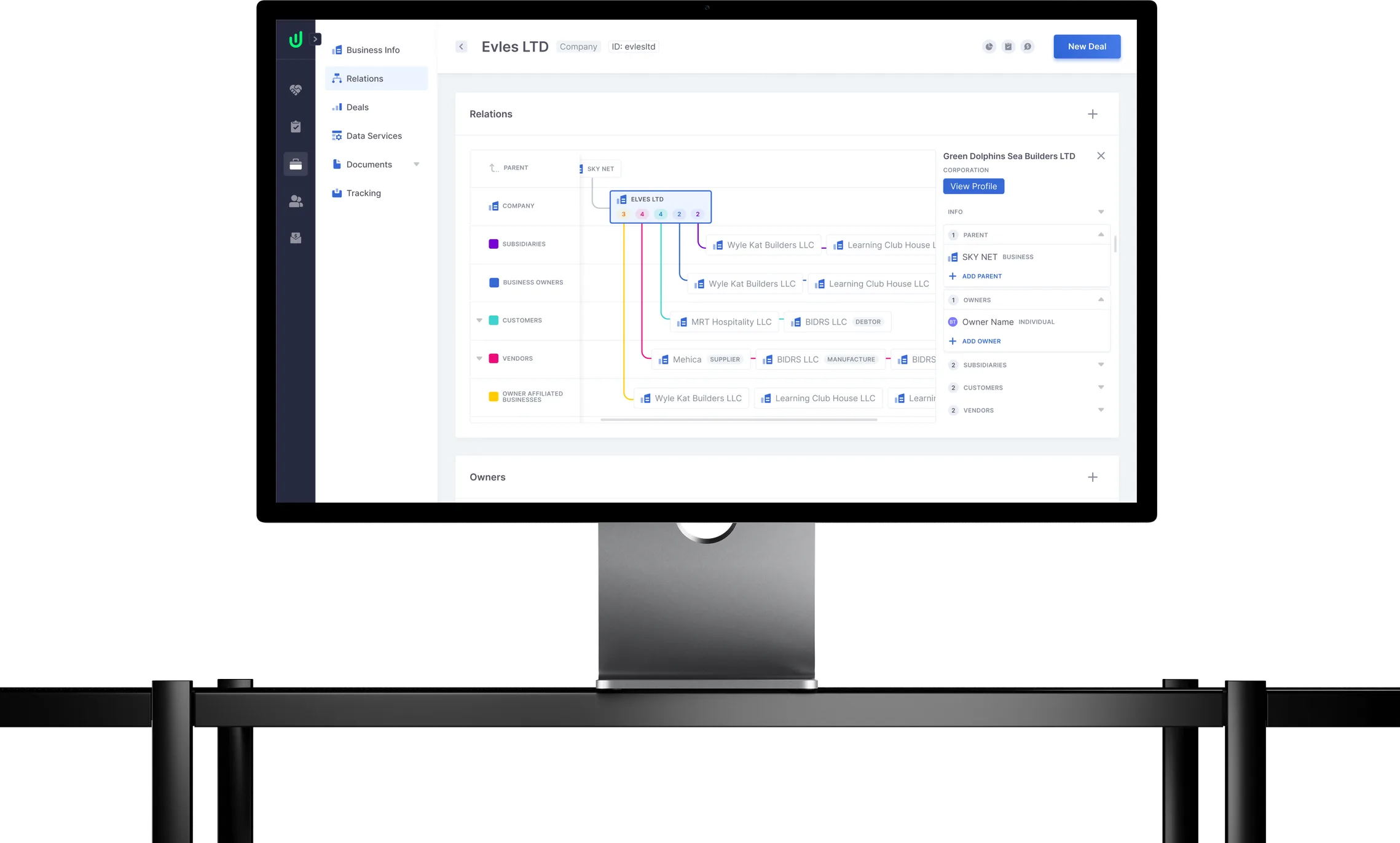
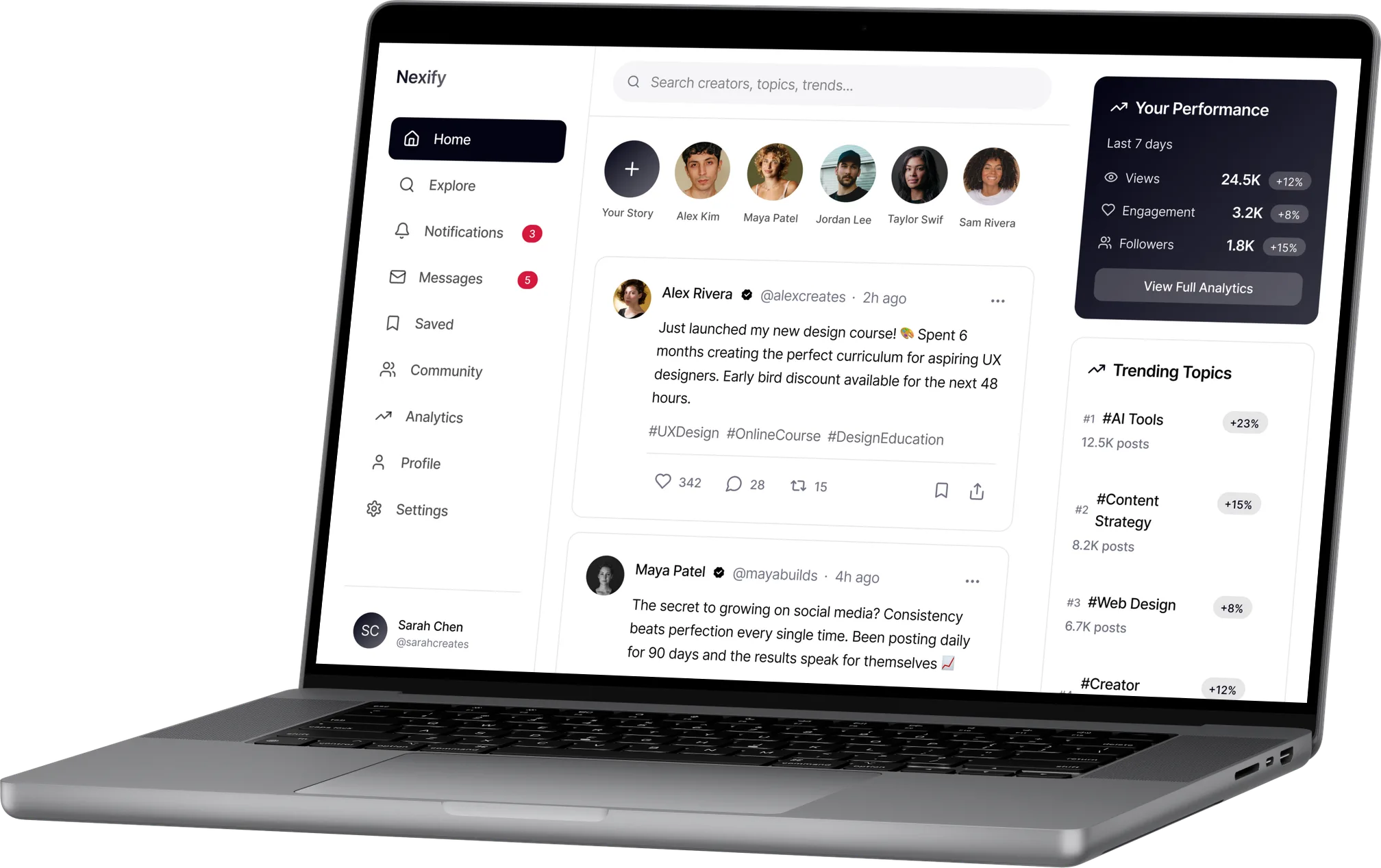
SaaS Dashboards
A SaaS UX design process for data-heavy interfaces: dashboard layouts, data hierarchy and navigation built for daily professional use. See our SaaS UX design work.
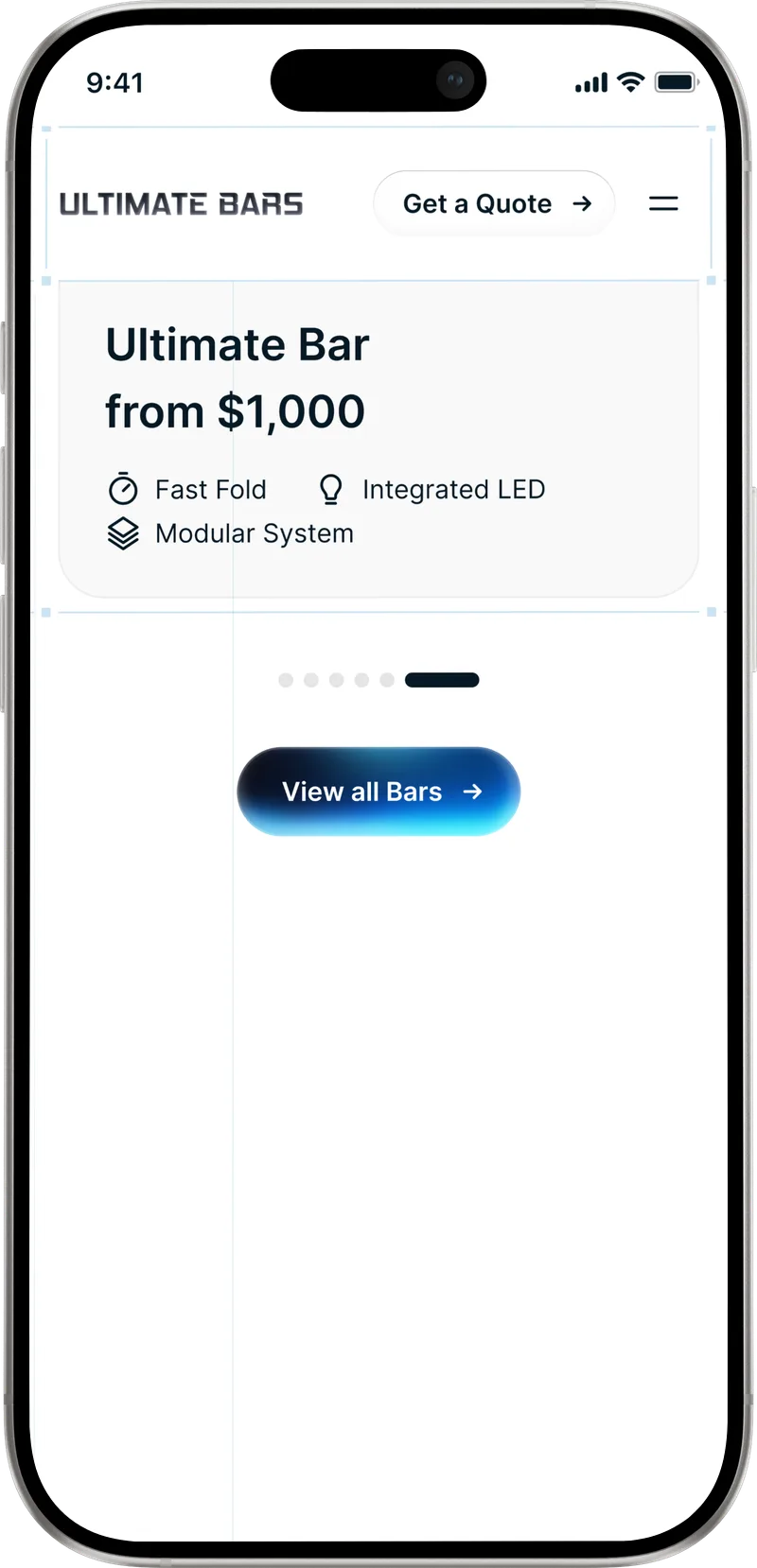
E-Commerce Platforms
Product discovery, filtering and checkout flows designed mobile-first and built for conversion from the first wireframe.
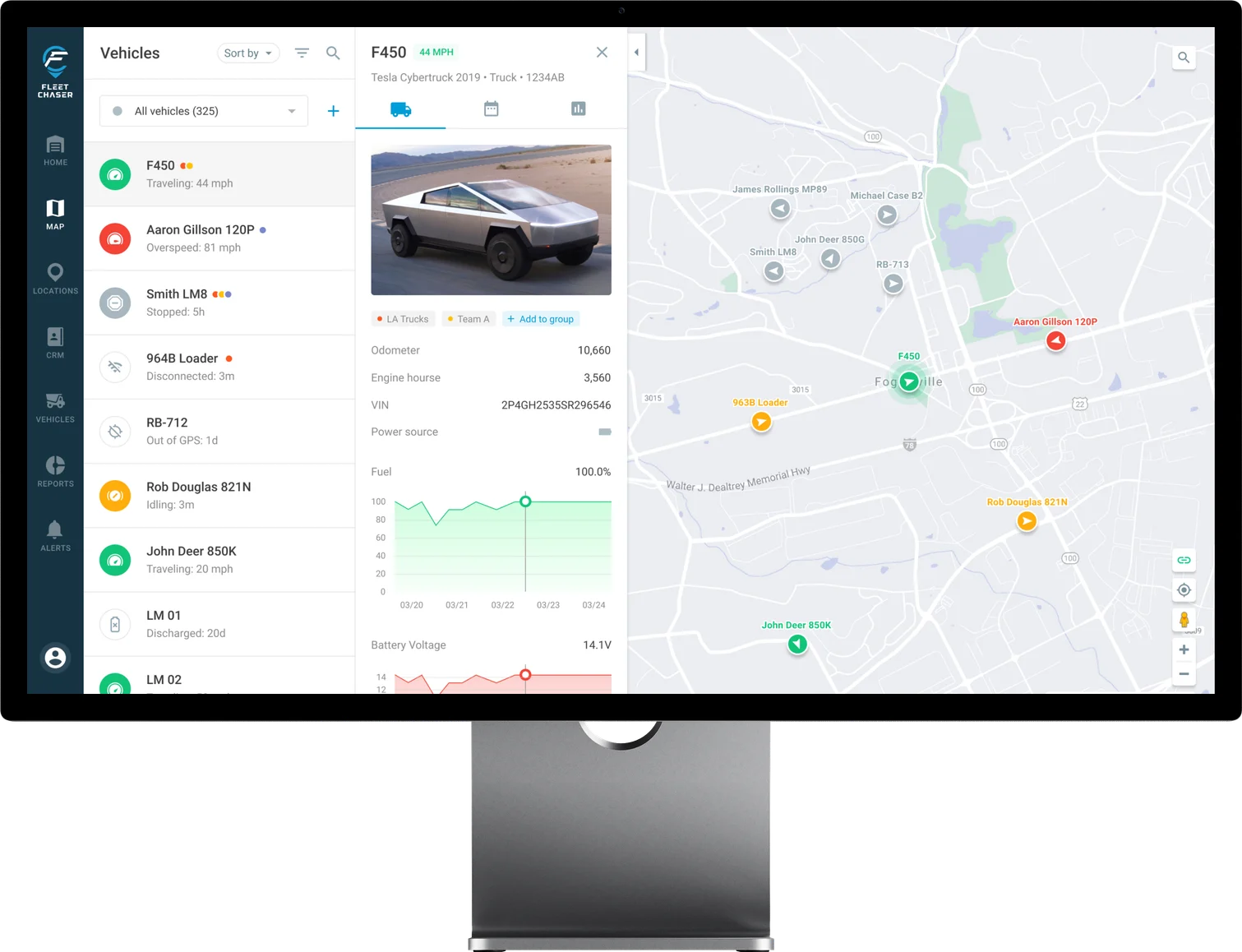
B2B Portals & Tools
Internal tools and partner platforms where efficiency beats decoration, designed for power users who need speed, not hand-holding.


Frequently
asked questions
Our UX design process has six stages: 1. discovery and research, 2. personas and journey mapping, 3. information architecture, 4. wireframing and prototyping, 5. usability testing and refinement, 6. implementation support. Many guides list five stages taken from design thinking (empathize, define, ideate, prototype, test). We add architecture and handoff, because that’s where products most often break.
Our UX design process has six stages: 1. discovery and research, 2. personas and journey mapping, 3. information architecture, 4. wireframing and prototyping, 5. usability testing and refinement, 6. implementation support. Many guides list five stages taken from design thinking (empathize, define, ideate, prototype, test). We add architecture and handoff, because that’s where products most often break.
6 to 10 weeks from discovery to handoff for most products. Complex products with many user roles can take up to 12. You get a clear timeline before work starts.
6 to 10 weeks from discovery to handoff for most products. Complex products with many user roles can take up to 12. You get a clear timeline before work starts.
Before development starts. Fixing a UX problem at the wireframe stage costs a fraction of what it costs after launch. For startups, that usually means before the first engineering sprint. We also redesign products that are already live.
Before development starts. Fixing a UX problem at the wireframe stage costs a fraction of what it costs after launch. For startups, that usually means before the first engineering sprint. We also redesign products that are already live.
Yes. We often act as the UX strategy and research layer on top of an existing team. We work in Figma and FigJam, read your Hotjar, GA4 or Mixpanel data and adapt to the tools you already use.
Yes. We often act as the UX strategy and research layer on top of an existing team. We work in Figma and FigJam, read your Hotjar, GA4 or Mixpanel data and adapt to the tools you already use.
User personas, journey maps, a sitemap and flow diagrams, wireframes, high-fidelity prototypes, usability test findings, a component library and a developer handoff file with full specs.
User personas, journey maps, a sitemap and flow diagrams, wireframes, high-fidelity prototypes, usability test findings, a component library and a developer handoff file with full specs.
AI speeds up the work that used to take weeks: transcribing interviews, clustering feedback, finding patterns in session recordings and drafting early layouts. It doesn’t replace talking to users or deciding what the product should do. We use it so more of the project goes into those decisions.
AI speeds up the work that used to take weeks: transcribing interviews, clustering feedback, finding patterns in session recordings and drafting early layouts. It doesn’t replace talking to users or deciding what the product should do. We use it so more of the project goes into those decisions.