Mental Models vs Conceptual Models in UX Design


AI Summary. What’s included?
This article explains the difference between a mental model, what a user believes about how a product works, and a conceptual model, how the designer intends it to work. It describes where mental models come from, covers Don Norman's three models and what a conceptual model contains, and shows what happens when the two don't match. The article then explains how to uncover users' mental models, how to design a conceptual model by matching or teaching expectations and keeping the system image consistent, and how this applies to AI products.
Mental models vs conceptual models in UX: the difference, Don Norman's three models, real examples, and how to uncover and design for users' expectations.
A mental model is what a user believes about how a product works. A conceptual model is how the designer intends the product to work, expressed through its structure, labels and behavior. Good UX happens when the two match closely enough that users can predict what the product will do. Many of the usability problems you find in testing are a gap between them.
The terms sound academic, but the idea is practical. If you know what users expect, you can either build to that expectation or deliberately teach them something new.
Mental model vs conceptual model: the difference

What is a mental model?

A mental model is a person's internal explanation of how something works. The idea goes back to psychologist Kenneth Craik in 1943, and in UX it means one specific thing: what the user believes the system will do when they act. Nielsen Norman Group stresses that a mental model is based on belief, not facts. A user doesn't need to understand how a database works to predict that clicking "Delete" removes a record.
Mental models are also personal. Two users of the same product can hold very different ones, depending on what tools they used before. An accountant moving from Excel to a new finance app brings a model of rows, cells and formulas, and will look for them.
Where mental models come from
Mostly from other products. Jakob's Law puts it plainly: users spend most of their time on other sites, so they expect yours to work the same way. Physical-world experience matters too (folders, carts, trash cans), as do instructions, marketing, and whatever the user figured out in their first five minutes with your product.
Mental model examples
The back button is the classic one. Users expect it to return to the previous screen. When a modal, an overlay or a single-page app treats "back" differently, users lose their place and blame themselves.
Shopping carts are another. People expect to control what's in the cart, the way they would in a store. NN/g describes sites that add shipping insurance automatically at checkout, which breaks that expectation and feels like a trick even when the price is small.
Files and folders are the third. Many people still think of documents as things that live in exactly one place, which shapes how they search, share and lose them.
What is a conceptual model?
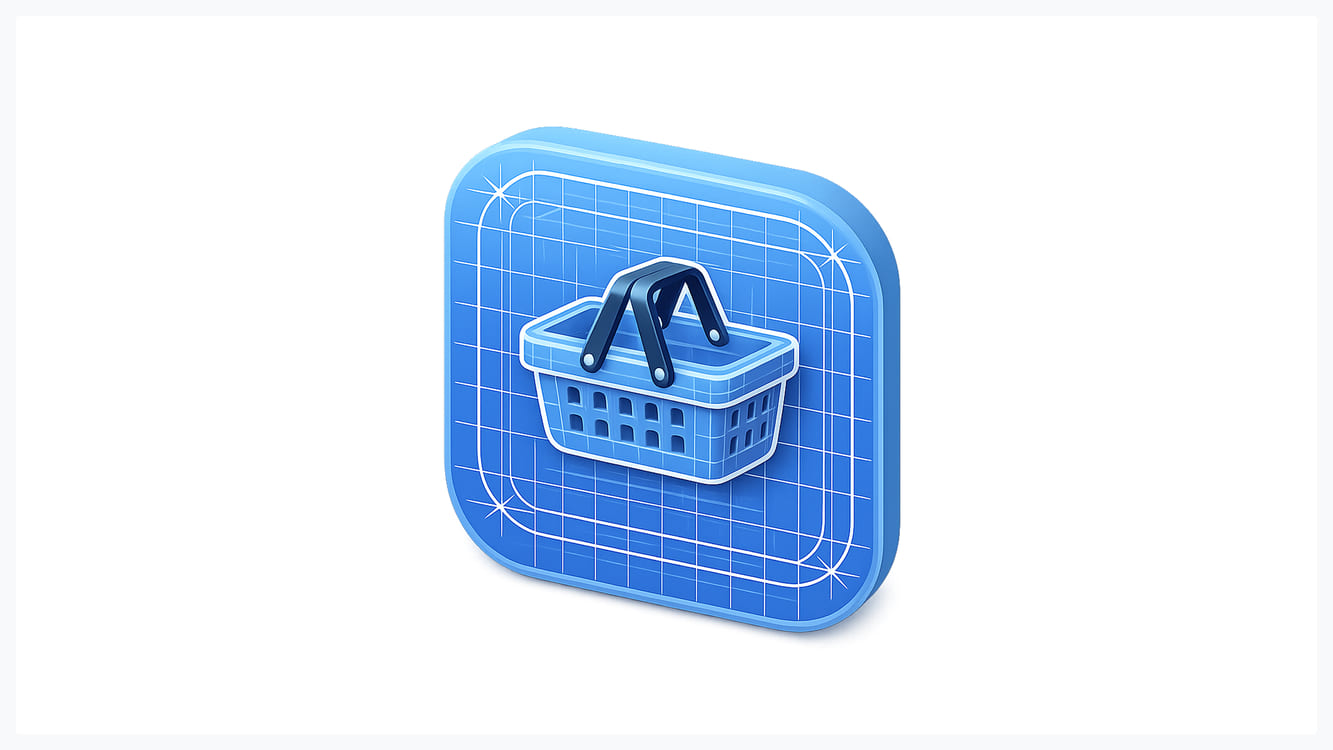
A conceptual model is the designer's high-level description of how the product works: what things exist in it, what you can do with them, and how they relate. It sits above screens and visual design. Two apps can look nothing alike and share a conceptual model, and two apps with the same visual style can work in completely different ways underneath.
Don Norman's three models
Don Norman's The Design of Everyday Things gave UX the framing most teams still use. There's the designer's model (the conceptual model), the user's model (the mental model), and the system image: everything the user can actually see and touch, including the interface, labels, documentation and behavior.
The key point is that designers and users never talk directly. The only way the designer's model reaches the user is through the system image. If the interface doesn't express the conceptual model clearly, users build their own model from whatever clues they find, and it will often be wrong.
What a conceptual model contains
Jeff Johnson and Austin Henderson's book Conceptual Models: Core to Good Design breaks a conceptual model into objects, their attributes, the actions users can take on them, and the relationships between them. For a project management tool, that might be: projects contain tasks; tasks have an owner, a status and a due date; users can create, assign, move and close tasks; a task belongs to one project but can be linked to others.
Writing this down before designing screens is one of the cheapest things a team can do. It forces decisions such as "can a task belong to two projects?" that otherwise get made by accident in code. It also gives you one shared vocabulary, so the UI doesn't call the same thing a "workspace" on one screen and a "team" on the next.
What happens when the models don't match
Gmail is a well-known example. Gmail organizes mail with labels, which work like tags: one email can have several. Most people arrived with a folder model, where an email lives in exactly one place. Many users "lost" emails that were simply archived, or were confused when deleting from one label removed the message everywhere. Gmail eventually added a "Move to" action that applies a label and archives in one step, which is the folder behavior users expected, built on top of the label model.
Google Docs went the other way. It has no Save button because it saves continuously, and many early users kept looking for one or pressed Ctrl+S out of habit. Here the team chose to teach a new model, since autosave was clearly better, and supported it with a save status shown next to the document title.
The pattern is the same in both cases. When the conceptual model differs from what users expect, you either bridge the gap in the interface or you pay for it in support tickets, churn and users who think they're doing something wrong.
How to uncover your users' mental models

You can't design for a mental model you've only guessed at. A few research methods do most of the work, and our overview of design research covers them in more depth.
Interviews about past behavior. Ask "tell me about the last time you..." rather than "how would you...". People describe what they actually did, including workarounds, which shows the model they really use.
Card sorting. Give users the items in your product and ask them to group and name them. Their groupings and labels are their mental model of your information architecture, and they're often different from your org chart.
Think-aloud usability tests. Ask users to narrate while they complete a task. Phrases like "I expected this to..." or "so I guess this means..." point straight at mismatches.
Mental model diagrams. Indi Young's method maps what users are trying to do (above a line) against how your product supports each step (below it). The gaps show where the product doesn't fit how people think about the task.
How to design a conceptual model users understand
Match existing mental models where you can
If users already have a model that works, use it. Put navigation where people look for it, use the words they use (the card sort tells you), and follow platform conventions. Novel interaction patterns need to be clearly better to justify the learning cost, and usually they aren't.
Teach the model where you can't
Sometimes your product is new because it works differently. Then the job is to help users build an accurate model quickly. Use a metaphor that points the right way, explain the one or two core concepts during onboarding rather than everything at once, and let users see the effect of their actions immediately. Good onboarding is mostly mental model building.
Keep the system image consistent
Users infer the model from every detail, so inconsistency teaches the wrong thing. If "Archive" hides an item on one screen and deletes it on another, users will stop trusting both. Use one name per object, one behavior per action, and the same patterns across web and mobile.
Mental models in AI products

AI products are where the gap is widest right now, because users bring models from search engines, chat apps and science fiction, and none of them fit. Some users treat a chat assistant like search and expect current facts with sources. Others treat it like a person and expect it to remember last week's conversation, or assume it's confident whenever it sounds confident.
The product's conceptual model has to answer questions users don't know to ask. What does the assistant know, and as of when? Does it remember previous sessions? Is this answer from a document I uploaded or from general training? Can it act, or only suggest? When the interface leaves these unanswered, users fill the gap with their own model, and errors feel like broken promises.
Practical fixes are mostly about making the model visible: show sources inline, label what the assistant can and can't access, show when memory is on, and use clear states for "thinking", "searching" and "done". In AI product design work, a large share of the design effort goes into these states rather than the chat screen itself, because they're what teach users how the system actually works. The same principles apply to any conversational UI.
Mental models vs conceptual models comes down to one design question: does the interface show users how the product works clearly enough that their guesses turn out right?
Frequently asked questions
What is the difference between a mental model and a conceptual model?
A mental model is the user's belief about how a product works, formed from experience and often incomplete. A conceptual model is the designer's intended explanation of how it works, made of objects, actions and relationships. UX design tries to make the product's interface communicate the conceptual model so users' mental models match it.
What is an example of a mental model?
Most users believe the browser's back button returns them to the previous screen. That belief is a mental model. When a site breaks it, for example by closing a whole flow instead of one step, users feel lost.
What is an example of a conceptual model?
Gmail's conceptual model says emails can carry several labels and stay in one archive, rather than living in a single folder. A calendar app's model might say events have a time, guests and a location, and can repeat.
How do you create or uncover a mental model?
You uncover users' mental models through research: interviews about past behavior, card sorting, think-aloud usability tests, and mental model diagrams that map user tasks against product support. You don't create a user's mental model directly, but you shape it through the interface, onboarding and consistent behavior.
What is the difference between a schema and a mental model?
A schema is a general knowledge structure about a category, such as what a restaurant visit usually involves. A mental model is a working explanation of how a specific system behaves, used to predict what will happen next. Schemas feed into mental models.

.svg)

Related Articles Prompted by Glow







Get weekly glow prompts—
insights from the frontline of product design
Check your inbox for future updates.

No spam.
Just sharp insights that make you better at design & AI.
Want results like this? Book a call
Let's talk through your product in 20 minutes — no briefs, no fluff. Just a real conversation.