SPA vs MPA: How to Choose Your Web App Architecture in 2026


AI Summary. What’s included?
This guide compares single-page applications, which load one HTML document and redraw the screen with JavaScript, with multi-page applications, which request a new page from the server on each navigation. It explains how each model works with examples, then compares them on user experience, performance and Core Web Vitals, SEO, AI search crawlers, analytics, development cost and security. The guide also lists pros and cons, recommends an architecture for SaaS products, AI products, marketing sites, ecommerce and MVPs, and covers hybrid options like SSR, SSG and islands.
SPA vs MPA compared on UX, SEO, AI search, speed and cost. See which web architecture fits your SaaS app, marketing site or MVP in 2026.
A single-page application (SPA) loads one HTML document and then redraws parts of the screen with JavaScript as you click around. A multi-page application (MPA) asks the server for a new HTML page every time you go somewhere new. That's the whole SPA vs MPA difference at the mechanical level. Everything else, from SEO to hiring, follows from it.
For most startups the answer is to build the logged-in product as an SPA and the public website as an MPA or a static site. Teams that pick one architecture for both usually pay for it later, either in lost organic traffic or in an app that feels slow.
Below is how each model works, where each one wins, and how we'd decide for a specific product.
SPA vs MPA at a glance

What is a single-page application (SPA)?
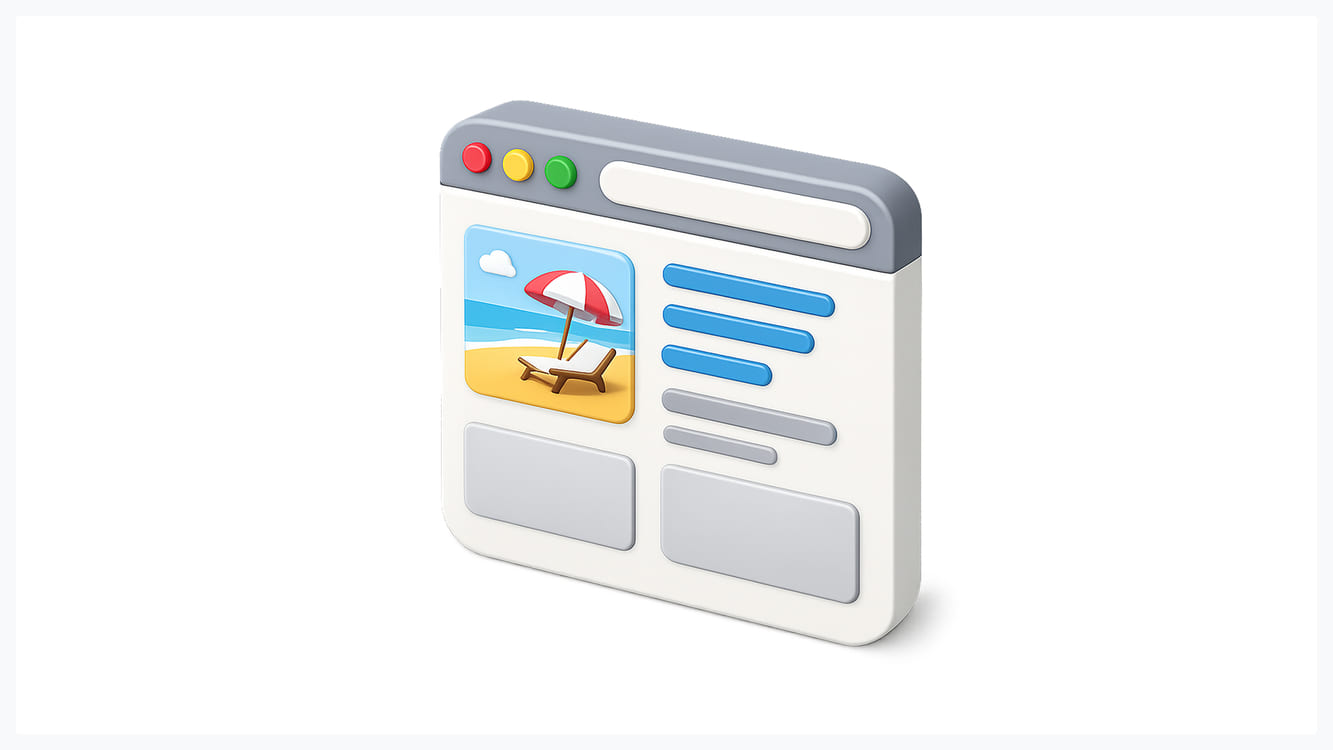
An SPA is a web app that runs inside one page. The server sends a nearly empty HTML file plus a JavaScript bundle. The bundle builds the interface in the browser, and from then on, every click that looks like navigation is handled by a client-side router. It updates the URL with the History API, fetches only the data it needs (usually JSON from an API), and re-renders the affected components.
How an SPA works
Picture opening Linear or Gmail. The first visit takes a moment while the app boots. After that, opening an issue, switching a filter or jumping to another project happens without a white flash, because the browser never throws the page away. The header, sidebar and anything you typed into a half-finished form stay exactly where they were.
That persistent state is the real reason SPAs exist. Smooth transitions are a side effect. The hard problem they solve is keeping a complex interface alive while the user works: open panels, unsaved drafts, websocket connections, undo history, a canvas with 400 objects on it.
SPA examples
Gmail, Figma, Notion, Linear, Trello and most SaaS admin panels are SPAs or behave like them. So are most AI chat interfaces, where a streaming response needs to update one part of the screen many times per second without reloading anything around it.
What is a multi-page application (MPA)?
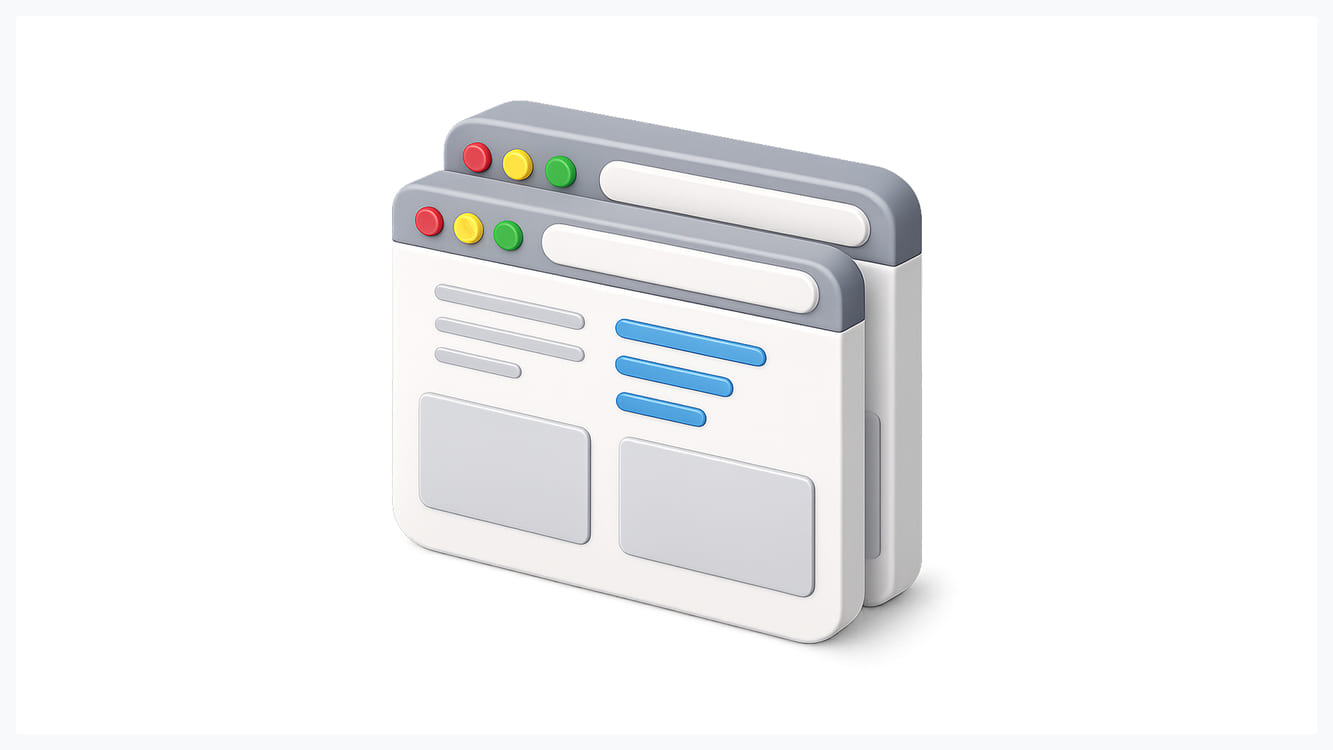
An MPA is the original model of the web. Each URL maps to a separate HTML document generated on the server (or built ahead of time). When a user clicks a link, the browser requests the next document and renders it from scratch.
How an MPA works
The server does the heavy lifting. It pulls data, fills a template, and sends back finished HTML that the browser can paint immediately. JavaScript is optional and usually added in small pieces: a search box, a cart counter, an image carousel.
"Old" is the wrong word for this. Modern MPA frameworks like Astro ship zero JavaScript by default and add interactive "islands" only where a component needs them. This site runs on Astro for exactly that reason: a marketing site and a blog are documents, and documents load fastest as HTML.
MPA examples
Amazon product pages, Wikipedia, most news sites, government portals, and the majority of company websites and blogs are MPAs. Large ecommerce catalogs are a classic fit: millions of URLs, each of which needs to be crawled, indexed and shared on its own.
SPA vs MPA: the differences that matter

User experience and navigation
SPAs feel faster once they are running. There is no blank screen between views, transitions can be animated, and you can show optimistic updates, where the task moves to "Done" before the server confirms it. For tools people use for hours a day, this adds up.
The flip side is that SPAs make you rebuild things the browser used to do for free. Back and forward buttons, scroll restoration, focus management, "open in new tab", and a loading indicator all become your job. We see the same bugs in almost every SPA audit: the back button drops the user's filters, a deep link opens an empty screen, or a screen reader never announces that the view has changed. None of these are hard to fix, but someone has to design for them.
MPAs have closed a lot of the UX gap. The cross-document View Transitions API lets a plain multi-page site animate between pages, and the Speculation Rules API lets the browser prerender the page a user is likely to open next, so the click feels instant. Both work in Chromium browsers today, and Safari supports cross-document view transitions as well. A well-built MPA in 2026 does not have to flash white between pages.
Performance and Core Web Vitals
Performance is really two questions, and each architecture wins one of them.
First load favors MPAs. The browser receives HTML it can paint right away, so Largest Contentful Paint (LCP) is usually good without much effort. An SPA has to download, parse and execute its bundle before showing anything useful. On a fast laptop that's a few hundred milliseconds; on a mid-range Android phone on a weak connection, it can be several seconds of spinner.
Subsequent navigation favors SPAs, because only data moves over the network. That's why the SPA model suits products where a session lasts 40 minutes and covers 60 screens, and loses on pages where the average visit is one page long.
Interaction to Next Paint (INP), which replaced First Input Delay as a Core Web Vital in March 2024, is where heavy SPAs often struggle. A big React tree that re-renders on every keystroke can block the main thread long enough to fail INP, even when LCP looks fine. MPAs can fail INP too, usually because of third-party scripts, but they start with less JavaScript to blame.
SEO and Google indexing
Google can index SPAs. Its crawler renders pages with an up-to-date version of Chromium, and Google's own JavaScript SEO documentation describes the process: crawl, queue for rendering, render, then index. The catch is the queue. Rendering can happen later than crawling, and anything that goes wrong in your JavaScript (a blocked API call, a script error, a timeout) means Google sees an empty page.
The common SPA SEO failures are predictable: every route returns the same title and meta description, links are buttons with click handlers instead of real <a href> elements, so the crawler can't follow them, and "not found" pages return a 200 status code. Each of these can be fixed, but MPAs avoid them by default because every URL is a real document with its own head tags and status code.
For pages whose job is to rank, that default matters more than any framework benchmark.
AI search and LLM crawlers
This is the newer reason to care, and most SPA vs MPA comparisons skip it. Traffic from ChatGPT, Claude, Perplexity and Google's AI Overviews now matters to a lot of B2B companies, and the crawlers behind those products mostly read raw HTML. Vercel's analysis of AI crawler traffic in late 2024 found that OpenAI's and Anthropic's crawlers fetch JavaScript files but don't execute them.
In practice, if your pricing page, docs or case studies only exist after a React bundle runs, an AI assistant asked "which tool does X" may simply not know what your product does. Server-rendered or static HTML removes that risk. For a SaaS company, this alone is a strong argument for keeping the marketing site, docs and blog out of the SPA.
Analytics and tracking
MPAs record page views without extra work: one URL load, one page view. In an SPA, the analytics tool has to listen to route changes, and if that listener is set up wrong, you get either one page view per session or duplicates. GA4's enhanced measurement can track history changes automatically, but we still recommend checking it against real sessions before trusting funnel reports. Product analytics tools like Amplitude or Mixpanel work fine in SPAs because they track events rather than page loads, which is what you want inside a product anyway.
Development cost and maintenance
An SPA usually means two codebases: a frontend app and an API. That's more moving parts, but it also means the same API can later serve a mobile app, integrations and public endpoints. Teams building a product with a long roadmap often accept that cost early.
An MPA can be one codebase with templates and server logic together, or a site built in Webflow or a CMS that a marketing team edits without engineers. For a website that changes weekly and needs to be owned by non-developers, this is far cheaper to run.
Maintenance costs show up differently, too. SPAs carry dependency churn: routers, state libraries and build tools change often, and a two-year-old React app usually needs an upgrade project before new features can ship cleanly. MPAs age more gracefully, though complex interactive features bolted onto server templates tend to turn into fragile jQuery-era code if nobody plans them.
Security
Neither model is secure or insecure by itself. SPAs move more logic and data into the browser, so cross-site scripting has a bigger blast radius, and token storage needs care (HttpOnly cookies are safer than putting tokens in localStorage). MPAs keep more logic on the server, where it is easier to control, but they still need CSRF protection on forms. Never rely on the frontend to hide data or enforce permissions. Whatever the browser can see, the user can see.
Pros and cons of SPAs and MPAs
Here are the trade-offs side by side.
SPA pros: fast navigation after the first load, persistent state across screens, rich interactions like drag and drop or real-time collaboration, a clean split between frontend and API, and an easier path to a PWA or offline mode.
SPA cons: slower first load, SEO that depends on rendering going right, weak visibility in AI search without server rendering, more work on accessibility and browser behavior, and heavier JavaScript that can hurt INP on low-end devices.
MPA pros: fast first paint, reliable SEO and AI crawler access, simpler analytics, less JavaScript to maintain, and content that non-developers can manage through a CMS.
MPA cons: full page reloads unless you add prefetching and view transitions, state that resets between pages, and an awkward fit for complex interfaces like editors, builders and live dashboards.
Which one to choose for your product
One question decides it. Does this page need to be found, or does it need to be used? Pages that need to be found are documents. Pages that need to be used for a long time are applications. Most products have both.
SaaS product behind a login
Choose an SPA (or an SPA-style app built with a framework like Next.js). Nobody searches Google for your settings screen, and users expect the product to keep their context as they move around. This is where client-side state pays off, especially in data-heavy interfaces like SaaS metrics dashboards, where filters, date ranges and drill-downs need to survive navigation.
AI products
The app itself is almost always SPA-like. Streaming responses, chat history, side panels and file previews all need to update in place. The public pages around it (landing page, pricing, use cases, docs) should be server-rendered, because they are what AI assistants and search engines read when someone asks which tool to use.
Marketing website and blog
Choose an MPA or a static site. Every page needs its own URL, title, description, structured data and a fast LCP. A website built as an SPA is one of the most common reasons we see good content fail to rank. If your team is planning a new site, our web design projects start from this split by default.
Ecommerce
Product and category pages should be server-rendered, since they need to rank and load fast on mobile. Cart and checkout can be more app-like. Large stores often run a hybrid: server-rendered pages with interactive components where the shopping flow needs them.
MVP on a tight timeline
Pick whatever your developers ship fastest, then separate the public site from the app. An MVP that lives entirely inside one SPA, including the landing page, makes it harder to test messaging and collect search traffic while the product finds its footing. When we run MVP design sprints, the landing page and the product are usually designed as two separate surfaces for this reason.
Hybrid architecture: SSR, SSG and islands

The SPA vs MPA split is less binary than it was five years ago. Most modern frameworks let you choose a rendering strategy per route.
Server-side rendering (SSR) sends complete HTML for the first view, then "hydrates" it into an interactive app. Next.js, Nuxt and SvelteKit work this way. Users and crawlers get real HTML, and the app still behaves like an SPA after load.
Static site generation (SSG) builds HTML at deploy time. It suits pages that change on publish rather than per request: blog posts, docs, landing pages. It's the cheapest and fastest option to serve.
Islands architecture keeps the page as static HTML and hydrates only the components that need JavaScript. Astro popularized this approach. It gives MPAs app-like pieces without shipping a full SPA runtime.
React Server Components push more rendering back to the server inside a React app, reducing how much JavaScript reaches the browser. Remix has since merged into React Router, which now offers similar server-first patterns.
Hybrid has a cost. SSR adds a server you have to run and monitor, hydration bugs can be confusing, and mixing rendering modes in one codebase raises the skill bar for the team. For a small startup, two simple pieces (a static marketing site and a client-rendered app) are often easier to run than one clever hybrid.
What the architecture changes for design

Architecture is usually treated as an engineering call, but it changes what designers have to specify.
In an SPA, design has to cover states the browser no longer handles: skeleton screens while data loads, what stays visible during a route change, empty and error states for every view, and where focus goes after navigation. URL design also becomes a product decision. If a filtered table view can't be expressed in the URL, users can't bookmark it or share it with a colleague.
In an MPA, the design work moves toward consistency across many templates and toward page speed: image sizes, font loading, and how much interactive behavior each template really needs. Accessibility is simpler to get right because native page loads already announce new content to assistive technology, which is one of the practical gaps covered in our guide to accessible vs inclusive design.
If you already have a product and suspect the architecture is causing UX problems (slow first screens, broken back buttons, pages that don't rank), a UX audit will usually show whether the fix is design, front-end implementation, or the rendering model itself.
For most teams, the SPA vs MPA decision comes down to one split. Use an MPA or static site for everything people need to find, an SPA for everything people need to use, and one design system across both so they feel like one product.
Frequently asked questions
What is the main difference between SPA and MPA?
An SPA loads one HTML page and updates content with JavaScript as the user navigates, without reloading. An MPA requests a new HTML page from the server for every navigation. SPAs feel faster after the first load; MPAs load the first page faster and are easier for search engines to index.
Is SSR better than SPA?
SSR is better for pages that need fast first loads and reliable SEO, because the server sends complete HTML. A pure SPA is fine for screens behind a login where search visibility doesn't matter. Many frameworks combine both: server-render the first view, then run as an SPA.
What are the disadvantages of an SPA?
The main ones are a slower first load, SEO that depends on JavaScript rendering correctly, poor visibility to AI crawlers that don't run JavaScript, and extra work to restore browser behaviors like the back button, scroll position and screen reader announcements.
Why is Angular called an SPA framework?
Angular apps load a single HTML page and use Angular's client-side router to swap components when the URL changes, so the browser never requests a new document. Angular can also server-render pages, but its default model is a single-page app.
What is the difference between SPA and MPA in React?
A React SPA uses a client-side router (such as React Router) and renders everything in the browser from one HTML file. A React app can behave more like an MPA when each route is rendered on the server or at build time, as in Next.js, so every URL returns its own HTML.
Is a single-page application bad for SEO?
Not by definition, but it's riskier. Google can render JavaScript, though rendering may be delayed and any script error can leave a page empty. For pages that need organic traffic, server-side rendering or static generation is the safer choice.

.svg)

Related Articles Prompted by Glow










Get weekly glow prompts—
insights from the frontline of product design
Check your inbox for future updates.

No spam.
Just sharp insights that make you better at design & AI.
Want results like this? Book a call
Let's talk through your product in 20 minutes — no briefs, no fluff. Just a real conversation.