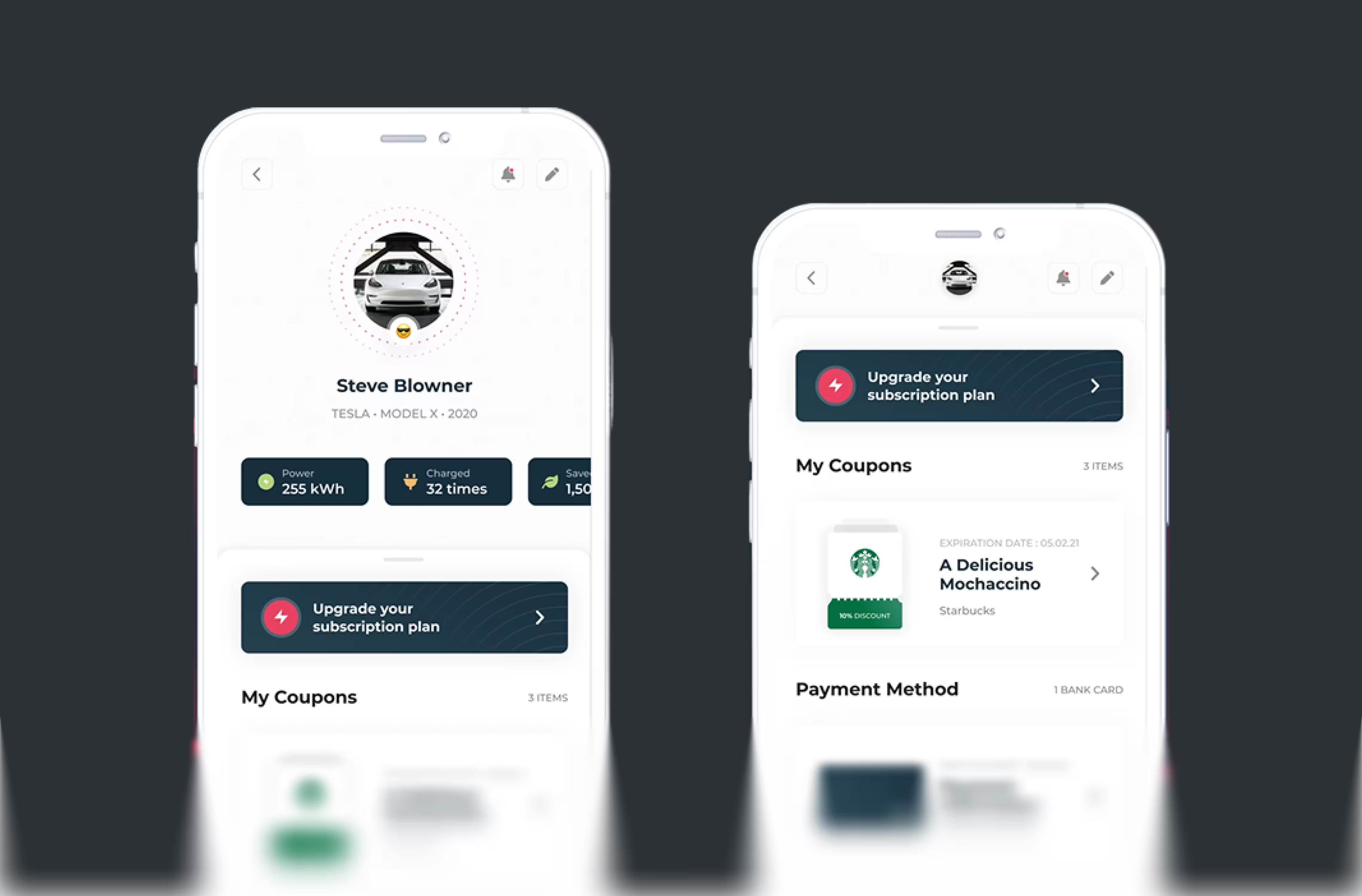
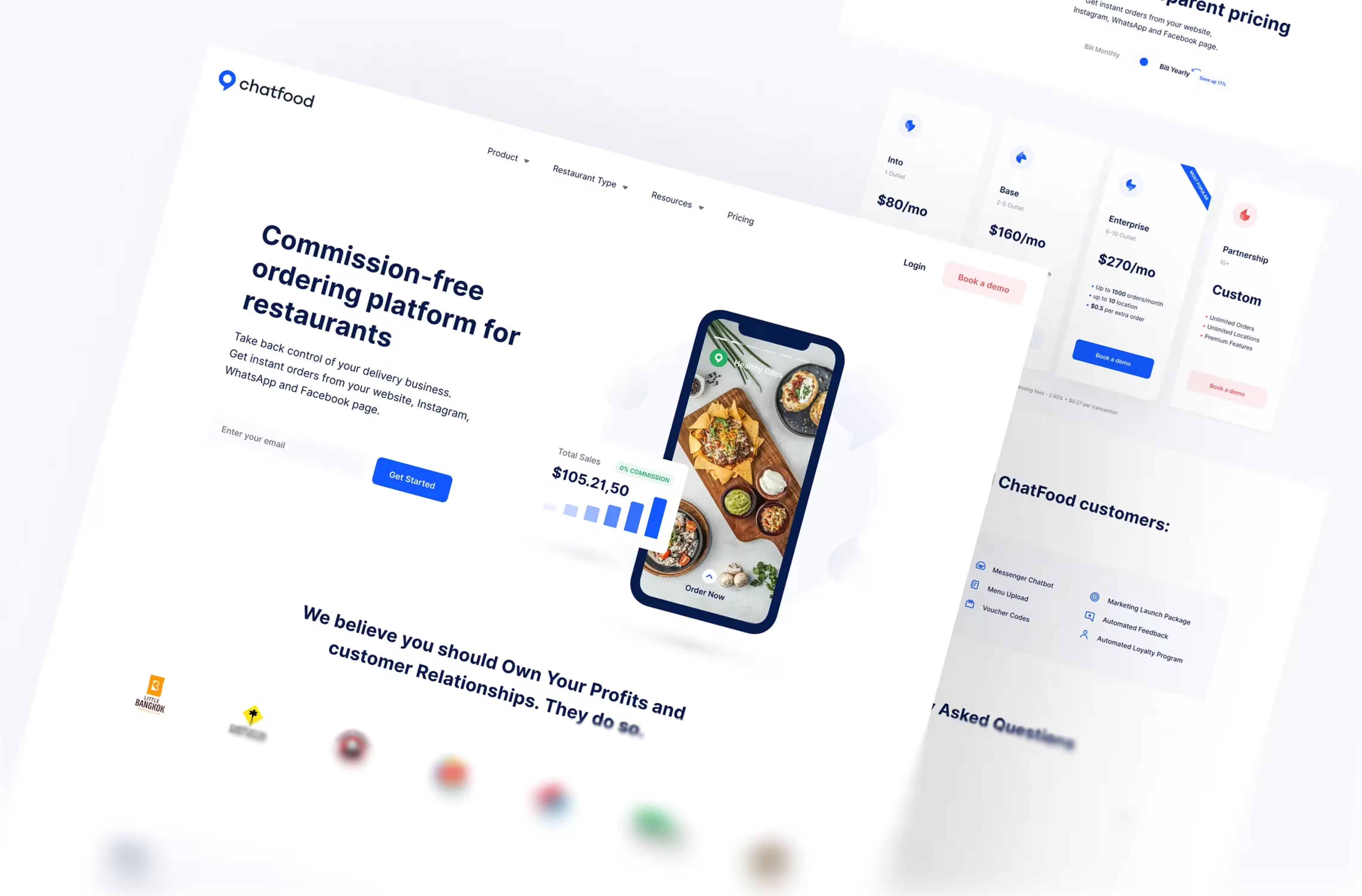
We design for users, not just buyers
The product has to win the sales demo and still work in daily use six months after go-live. We design for both moments.
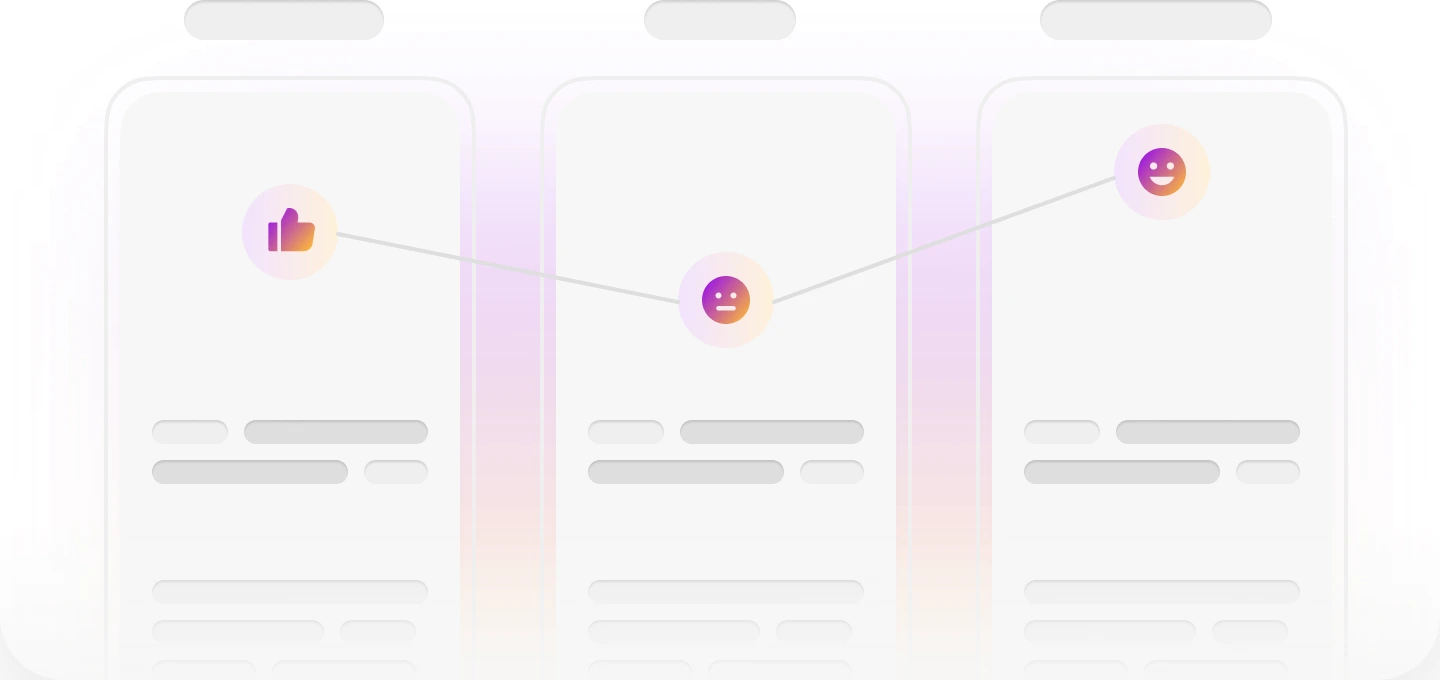
B2B tools are packed with data, roles and edge cases. As a B2B UX agency, we turn that complexity into clear workflows your users learn fast and your sales team is proud to demo.


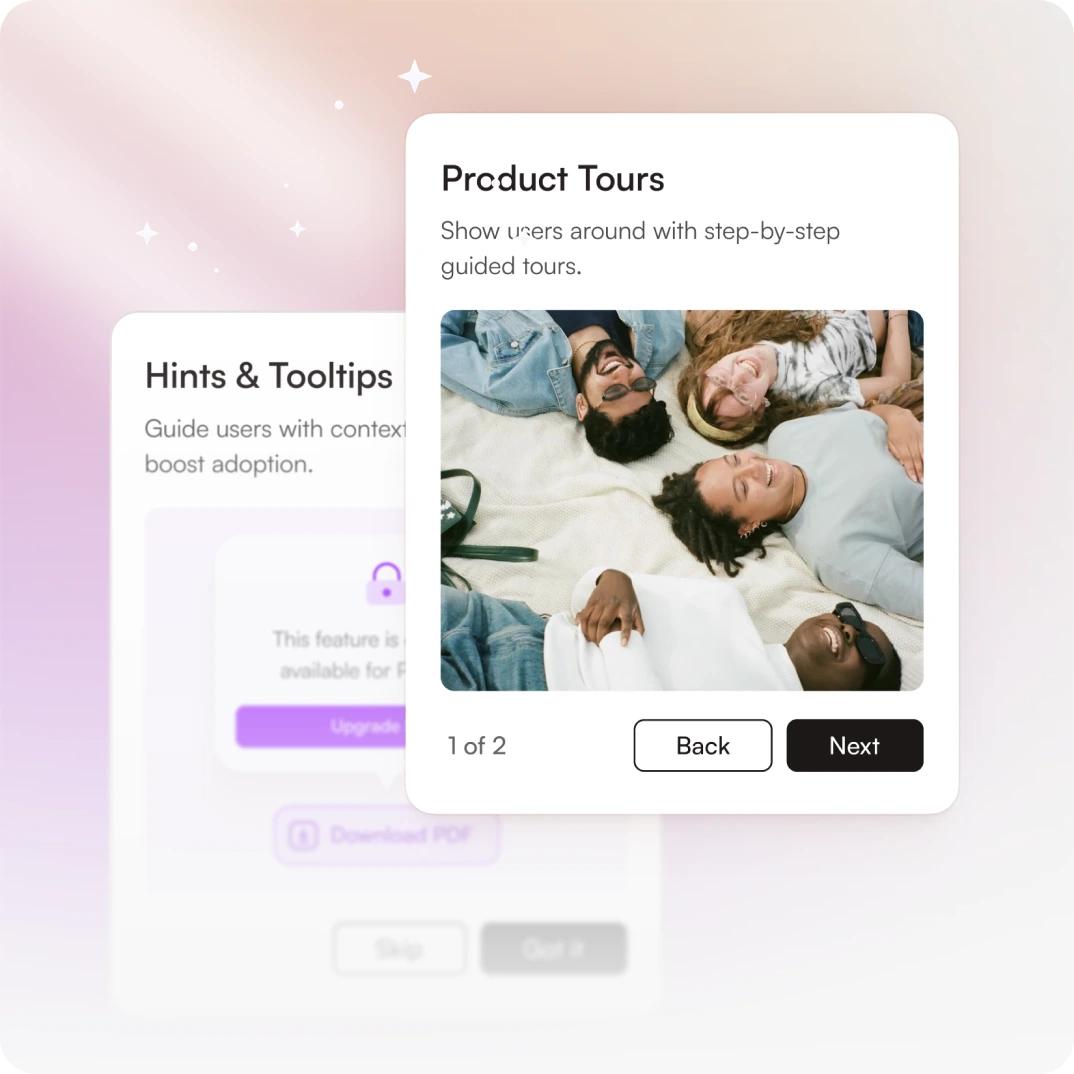
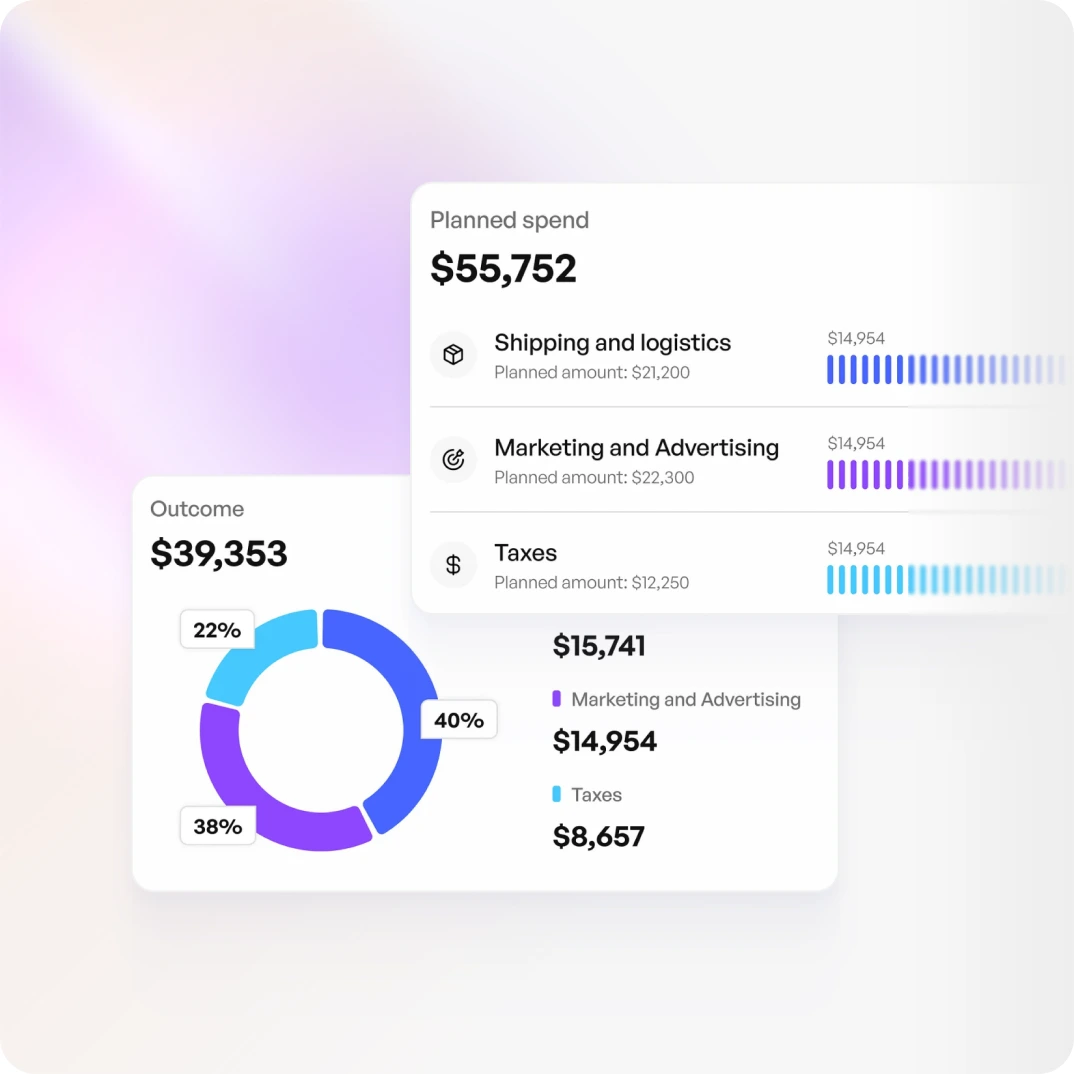
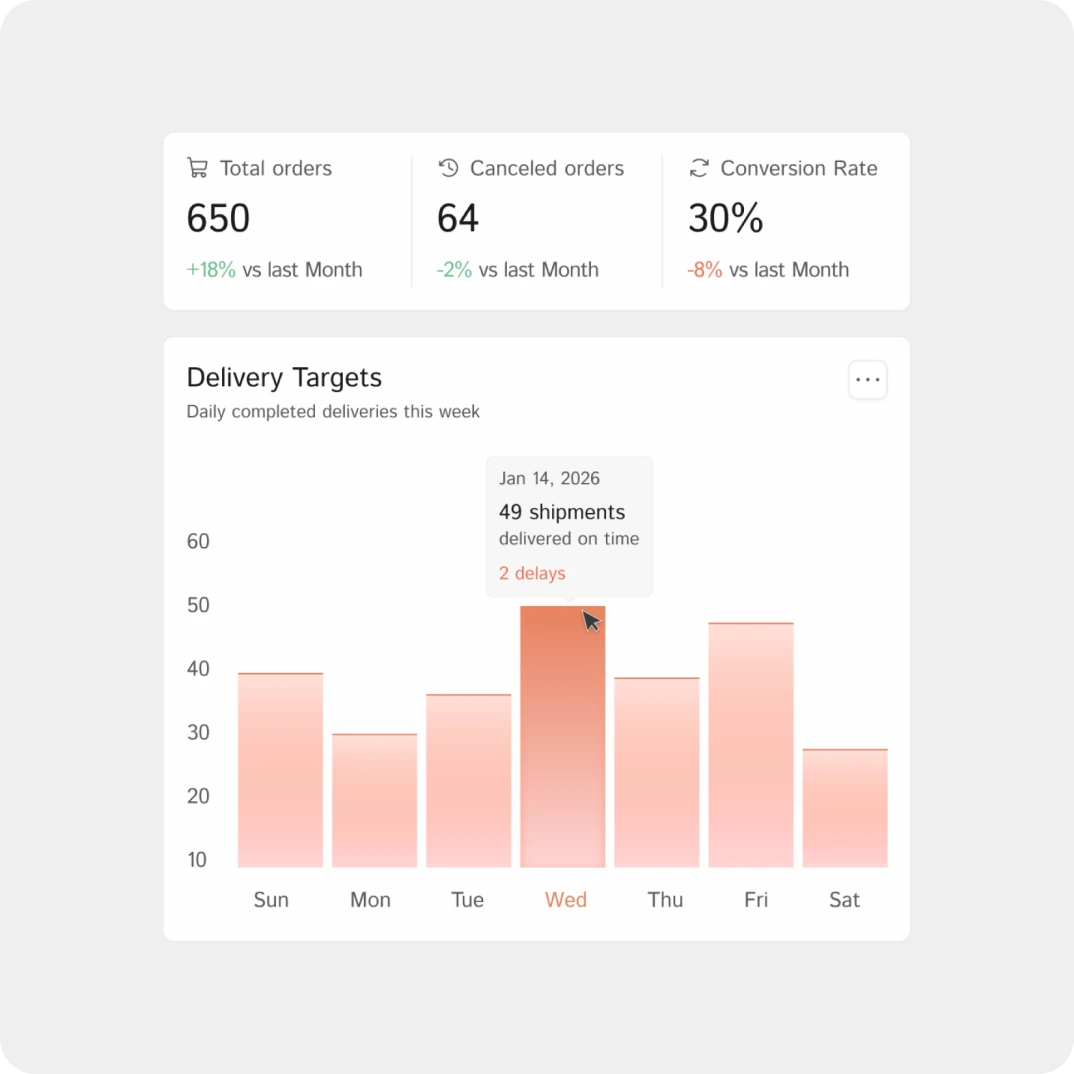
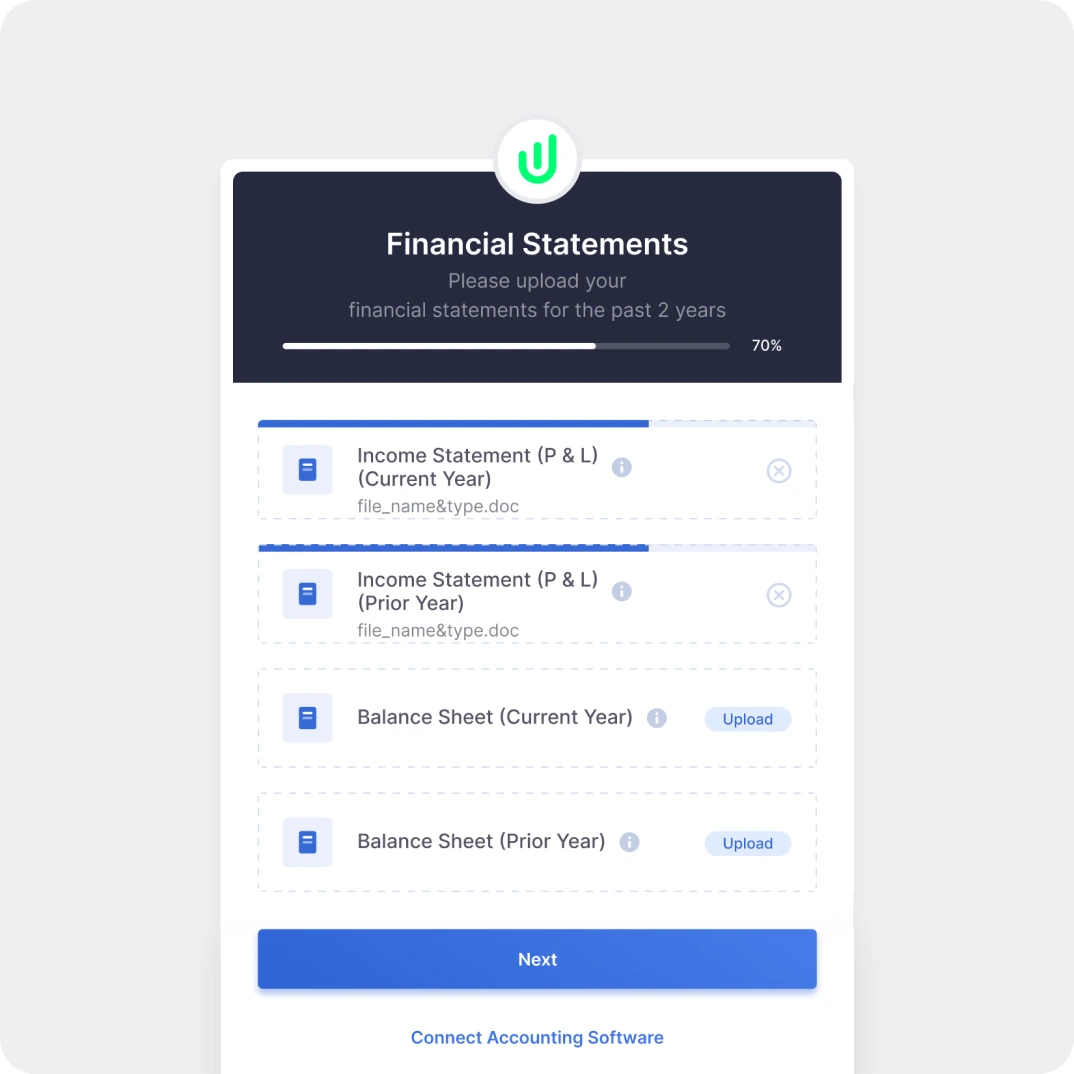
Bought on features, dropped on UX. The buyer and the user are different people. Products get picked from a feature list and abandoned over daily experience.
Adoption decides renewal. If the team that uses the tool every day works around it, the contract is in trouble long before the renewal call.
Design closes the gap. Good B2B UX design makes the product work for the person who signs the contract and the people who live in it.
In B2B, bad design isn’t only a user experience problem. It’s an adoption problem, a support problem and eventually a renewal problem.
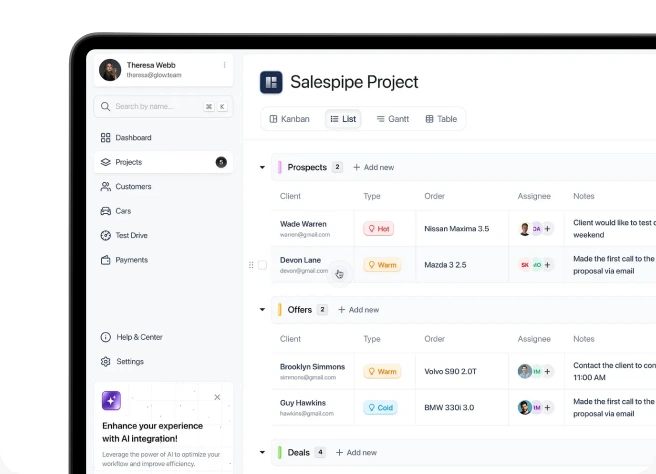
When a platform is frustrating, people build workarounds in spreadsheets, Slack threads and manual steps. The system gets paid for but not used, and at renewal there’s no ROI to point to.
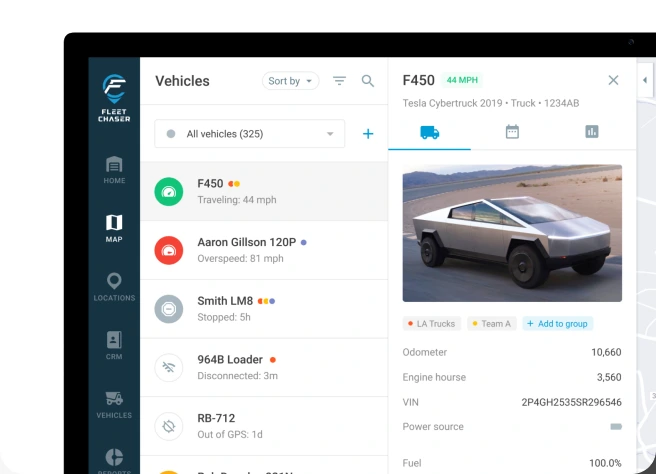
If new employees need days of onboarding to use a tool, that’s a design problem. B2B platforms should be learnable, not just trainable. Every training hour is an hour of lost work.
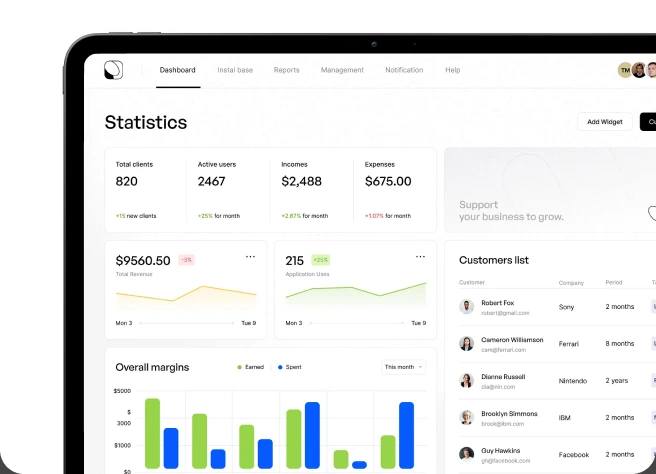
When the platform needs explaining, every new user creates tickets. A well-designed B2B product is self-explanatory for daily tasks, which cuts CS load and speeds up the issues that remain.
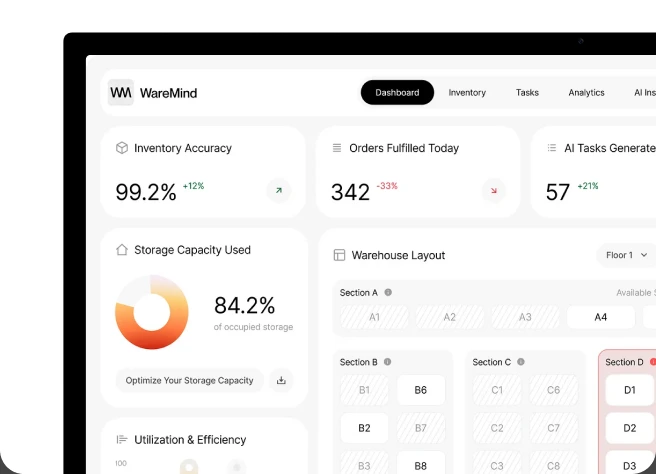
Most B2B platforms have the data. What’s missing is B2B dashboard design that puts the right number in front of the right person at the right moment. A dashboard that shows everything equally says nothing.
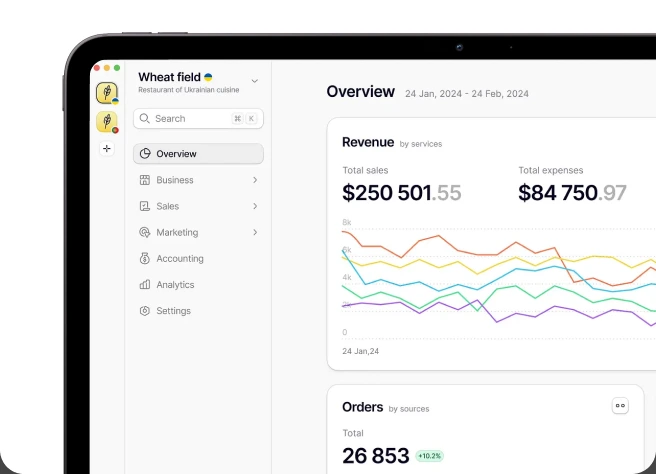
A sales rep and a sales director need different information. One interface for both ends up cluttered for one and incomplete for the other.
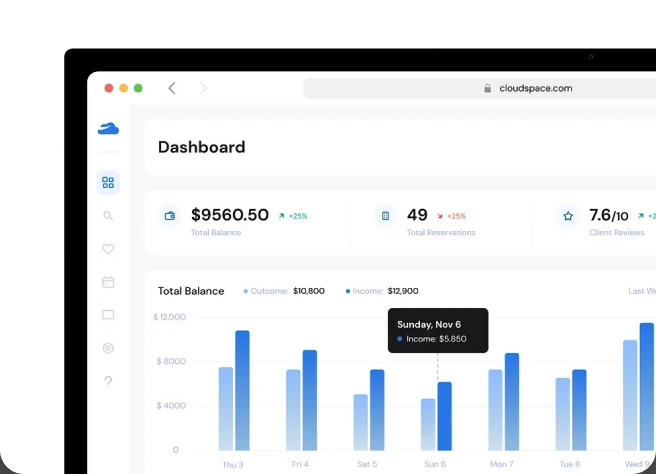
Client portals are a direct reflection of your business. A confusing or outdated portal tells customers something about how you operate, and it’s rarely what you want them to hear.
From CRMs and ERPs to client portals and internal tools.
Interviews with daily users, workflow observation and usage data analysis. We research both the people who buy the product and the people who use it, because they usually define success differently.
Role-based interfaces, permission structures and navigation that serve power users and occasional users without forcing either to compromise. For multi-team platforms, see our enterprise UX design engagement.
Pipeline views, activity logging, contact management and reporting built around how reps actually work, not how managers assume they work. More in sales and CRM UX design.
Client portals, partner dashboards, vendor tools and self-service platforms that give clients visibility without generating support calls.
Operations dashboards, admin interfaces and workflow tools for professionals who spend their whole workday inside them. We design for the power user, not the occasional visitor.
A documented component library for every role-based view, permission state and data display pattern, with usage guidelines your engineers can implement without a design review on every PR.
FERNHILL · PURCHASE ORDERS · 30 DAYS
Usage dataa screen that looks finewhere people really click
FERNHILL · ROLE-BASED VIEW
One platformevery role sees everythingeach role sees its own job
FERNHILL SALES · MOBILE · AFTER THE MEETING
Field salesnotes typed at 9 pm, if eversaid in the car park, filed
FERNHILL · CLIENT NOTIFICATIONS
Self-servicethe client chases youthe update finds the client
FERNHILL OPS · ORDER QUEUE
Workflowopen, wait, back, open againapprove, and the next is open
FERNHILL/WEB · PULL REQUEST #482
+ <table class="sup-table">+ <td style="padding:13px">+ <td style="color:#8a8a8a">+ <span class="badge-2">+ <DataTable rows={suppliers} density="compact" />DESIGN REVIEWPadding is 13px, the grid is 12Wrong grey for meta textStatus badge: use the shared oneUse the libraryEngineering handoffevery PR waits on designthe library already answered
We align with your stakeholders, your users and your engineering process from day one.
We talk to the decision-makers who set requirements and the end users who live with the result. The gap between those two views is where most B2B design problems start.
Week 1Every user type who touches the platform, their workflows and the information architecture, all mapped before visual work begins.
Weeks 2 to 3Role-specific flows tested with real business users under realistic conditions: real data volumes, real permissions and the workflows people run every day.
Weeks 4 to 5A weekly sync plus async review. Key stakeholders join at set milestones, flow validation and design review, without being pulled into the daily work.
Your timeA focused B2B design engagement usually runs 6 to 10 weeks. Multi-role enterprise platforms with complex permissions can run 12 to 16 weeks.
The product has to win the sales demo and still work in daily use six months after go-live. We design for both moments.
Our job isn’t to simplify everything. It’s to make the right things obvious and the rest reachable, so power users and occasional users both work efficiently in one interface.
A platform users say they like but don’t use is a failed design. We track adoption, feature usage and support volume, not only satisfaction scores.
Role-based views, permission-aware navigation and context-specific dashboards are part of the architecture from day one, not an admin panel bolted on later.
Systems that handle data density, permission variants and role-based states without turning into a component library nobody can use.
Accessibility requirements, security reviews and integration limits shape B2B software design. We design with those constraints, not around them.
CRM systems, ERP interfaces, supply chain platforms, procurement tools, HR software and B2B marketplaces. Each category gets its own research approach and patterns.
Client portals and partner interfaces get the same standard as internal tools, because clients judge your business partly by the tools you give them.
We join relevant standups, work in your tools and act as an extension of your design team, not a vendor who disappears after handoff.











.jpeg)
From internal operations tools to client-facing portals, our B2B product design covers the full range of business software.
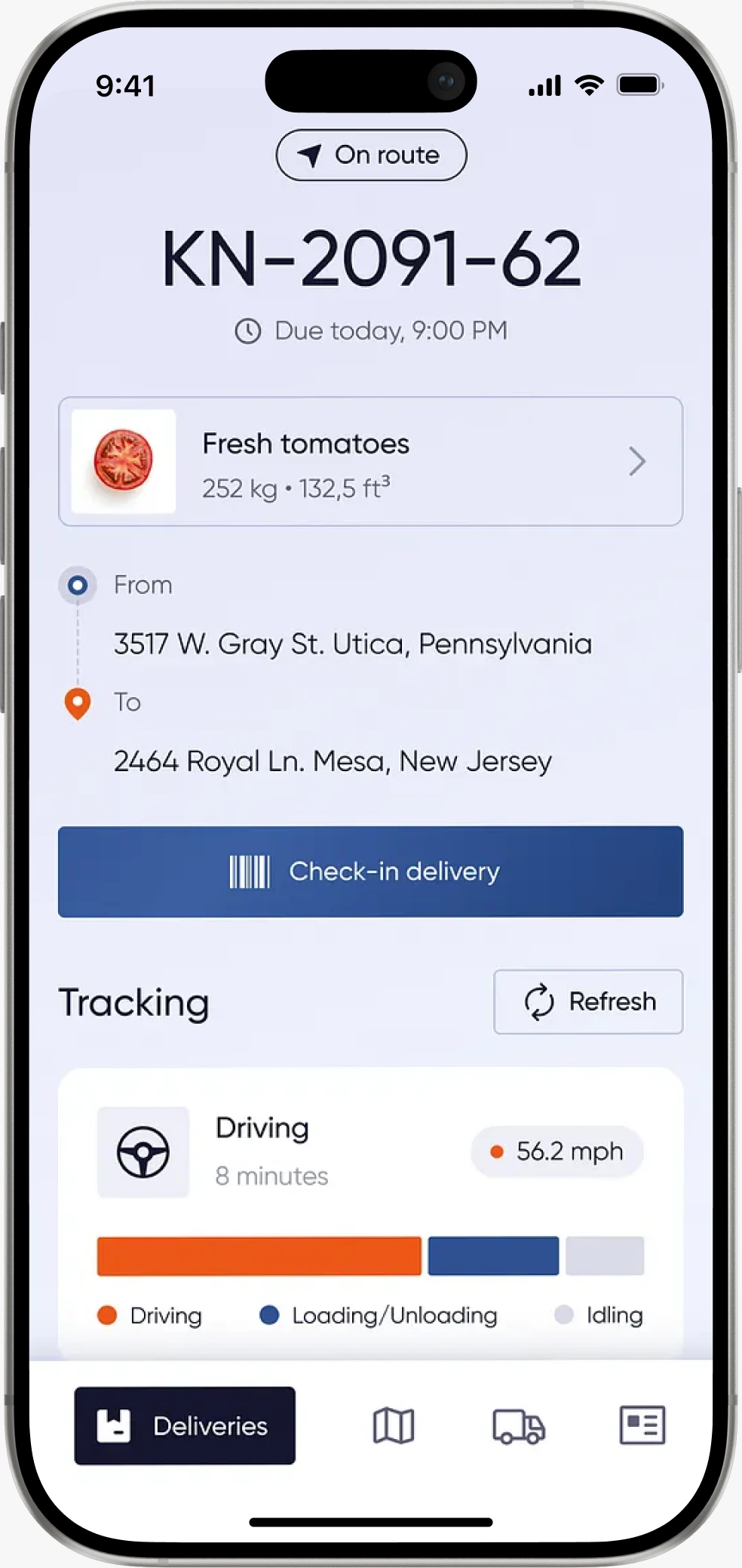
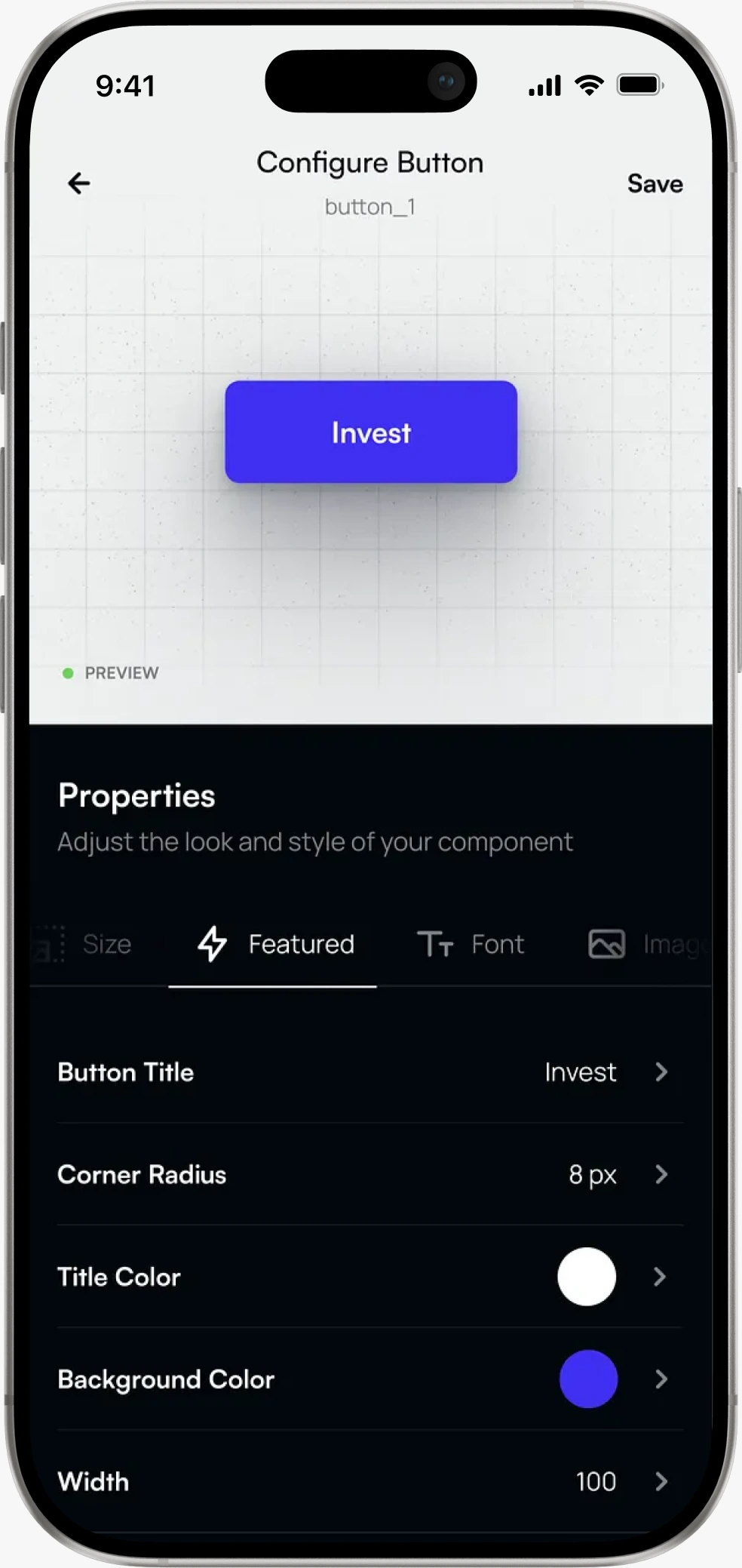


Pipeline and customer management tools for the reps who use them all day and the managers who forecast from their data.
ERP and operations software that handles enterprise workflow complexity without the interface complexity that kills adoption.
Supply chain and vendor management systems for cross-functional teams and external partners coordinating across complex networks.
B2B web app design for self-service portals that answer client questions on screen, so nobody has to email support to find a status.
Operations dashboards, admin interfaces and workflow platforms for business users who treat them as their main work environment.
From internal operations tools to client-facing portals, our B2B product design covers the full range of business software.
Pipeline and customer management tools for the reps who use them all day and the managers who forecast from their data.

ERP and operations software that handles enterprise workflow complexity without the interface complexity that kills adoption.
Supply chain and vendor management systems for cross-functional teams and external partners coordinating across complex networks.
B2B web app design for self-service portals that answer client questions on screen, so nobody has to email support to find a status.
Operations dashboards, admin interfaces and workflow platforms for business users who treat them as their main work environment.
Have a B2B platform with low adoption? Start with a UX audit before a full redesign
B2B users are professionals paid to use the product. They tolerate more complexity, care more about efficiency than delight and bring specific workflow requirements. UX for B2B software also has to handle multiple roles in one organization, permission systems, dense data and buyers who rarely use the product themselves.
B2B users are professionals paid to use the product. They tolerate more complexity, care more about efficiency than delight and bring specific workflow requirements. UX for B2B software also has to handle multiple roles in one organization, permission systems, dense data and buyers who rarely use the product themselves.
We map every user type: job function, main tasks, information needs and how often they use the product. Then we design role-based architecture and navigation that serves each type without cluttering the interface for the others.
We map every user type: job function, main tasks, information needs and how often they use the product. Then we design role-based architecture and navigation that serves each type without cluttering the interface for the others.
Yes, and we do it regularly. We start with a UX audit of the current product, review adoption data and support tickets, then change the experience without disorienting users who already know the system.
Yes, and we do it regularly. We start with a UX audit of the current product, review adoption data and support tickets, then change the experience without disorienting users who already know the system.
WCAG 2.2 AA is our baseline. Enterprise procurement increasingly asks for accessibility in writing, and Section 508 compliance is mandatory for products sold to US federal agencies. Accessibility is a design constraint from the start, not an audit at the end.
WCAG 2.2 AA is our baseline. Enterprise procurement increasingly asks for accessibility in writing, and Section 508 compliance is mandatory for products sold to US federal agencies. Accessibility is a design constraint from the start, not an audit at the end.
It depends on where people actually work, so we research that before setting device priority. Field and on-the-go tools get mobile-first design. Desktop-heavy products get desktop-first design, with mobile covering the tasks people really do on a phone.
It depends on where people actually work, so we research that before setting device priority. Field and on-the-go tools get mobile-first design. Desktop-heavy products get desktop-first design, with mobile covering the tasks people really do on a phone.
Organized Figma files for every screen, role, state and edge case, a documented component library with role-based variants, annotated engineering specs, plus research findings, personas and journey maps. Everything is yours, with no proprietary tools or format lock-in.
Organized Figma files for every screen, role, state and edge case, a documented component library with role-based variants, annotated engineering specs, plus research findings, personas and journey maps. Everything is yours, with no proprietary tools or format lock-in.






We use cookies to see how the site is used and to measure our ads. You choose. Privacy Policy