Attorneys spending billable time fighting the software
Navigating complex screens, toggling between systems and retyping data eats the time the software was supposed to save. When it takes weeks to learn, that cost repeats with every new associate.
Legal software is some of the most complex professional software in existence - and some of the worst designed. We build legal tech products where the complexity of legal processes is managed by the interface, not transferred to the user.


Legal professionals deal with enormous amounts of structured information, strict workflows, and high-stakes decisions under time pressure. The software they use should support all of that. Most does not. Legal tech products are frequently slow to learn, painful to navigate, and full of the kind of friction that costs billable hours and creates malpractice exposure. Good legal tech UX is not about making software look modern - it is about making it work reliably for professionals who cannot afford to make mistakes.
Workflows designed around how legal professionals actually practice - not how software vendors assume they do
High-information interfaces that support accurate, fast decision-making without cognitive overload
Client-facing tools that are accessible to users without legal training
Compliance with bar rules, confidentiality requirements, and data protection standards built into the UX
In legal tech, bad design does not just frustrate users - it wastes billable time, creates compliance exposure, and undermines client relationships.
Navigating complex screens, toggling between systems and retyping data eats the time the software was supposed to save. When it takes weeks to learn, that cost repeats with every new associate.
Confusing field labels, poor validation and documents that are harder to find than on a shared drive lead to missed deadlines, incorrect filings and contract errors that survive review.
When the client portal is cumbersome, clients email and call instead. When compliance features are designed as friction, attorneys work around them, creating the risk they were supposed to prevent.
Real legal products, real workflow improvements.
From case management platforms to client portals - design that makes legal software work for the professionals who depend on it.
Shadowing and interviews with attorneys and paralegals show how they gather information, decide under time pressure and where software adds risk.
Timelines, tasks, documents and deadlines organized around how attorneys practice, so the one with 80 active matters finds anything in seconds.
Creation, redlining, approvals and signatures designed around real annotation patterns, to cut the errors that survive review.
Matter status, documents, invoices and requests clear enough for clients without legal training, so they stop calling to ask.
Search results, credibility signals and citations designed around how attorneys build arguments, so research takes minutes, not hours.
One documented library for matter timelines, document states, deadline alerts and dense data tables, with security and compliance states built in.
BRIEF · MATTER VIEW TEST · 12 ATTORNEYS
Matter viewguessing what attorneys needwatching them work
BRIEF · MATTER · HARLOW V. PINE
Matter pagesix panels around one deadlinewhat is due, and what is next
BRIEF · CONTRACT · MSA V7
Redlinesa new file for every versionevery change where you read it
HARLOW & PINE · CLIENT PORTAL
Matter status“In progress” and a phone numberwhat is happening, what is next, what we need
BRIEF · RESEARCH · NON-COMPETE
312 results Smith v. Doe (1987) In re Acme (2003) …309 more3 binding cases in your circuitRanked by how close the facts areGood lawSame circuitCited 48×SaveCiteCase law search312 results in date orderthe binding cases first, checked
BRIEF DESIGN SYSTEM · DEADLINES
No shared ruleEach screen writes a deadline its own way<Deadline date="2025-03-14" court="9th Cir." />Day and date · time left · the court’s time zone · never a bare numberDeadline formatevery team writes it its own wayone component, one rule
Legal tech requires a different research approach. We bring the process. A legal tech product design engagement typically runs 8-12 weeks. Products serving multiple practice areas or multiple user types may run 12-16 weeks.
Legal tech research requires observing real legal workflows - not just interviewing users about them. We conduct research with practicing attorneys and legal professionals in realistic work conditions.
Bar rules, confidentiality requirements, data retention policies, and audit trail requirements are design constraints we work with from the first wireframe - not compliance features added at the end.
Legal professionals cannot afford errors. We design legal tech interfaces with the same rigor a clinician would bring to medical device UI - because in legal work, interface-caused errors have real professional and client consequences.
Legal work is document-centric. We design information architecture, workflows, and interfaces around how legal professionals actually manage and interact with documents - not around generic enterprise UX patterns.
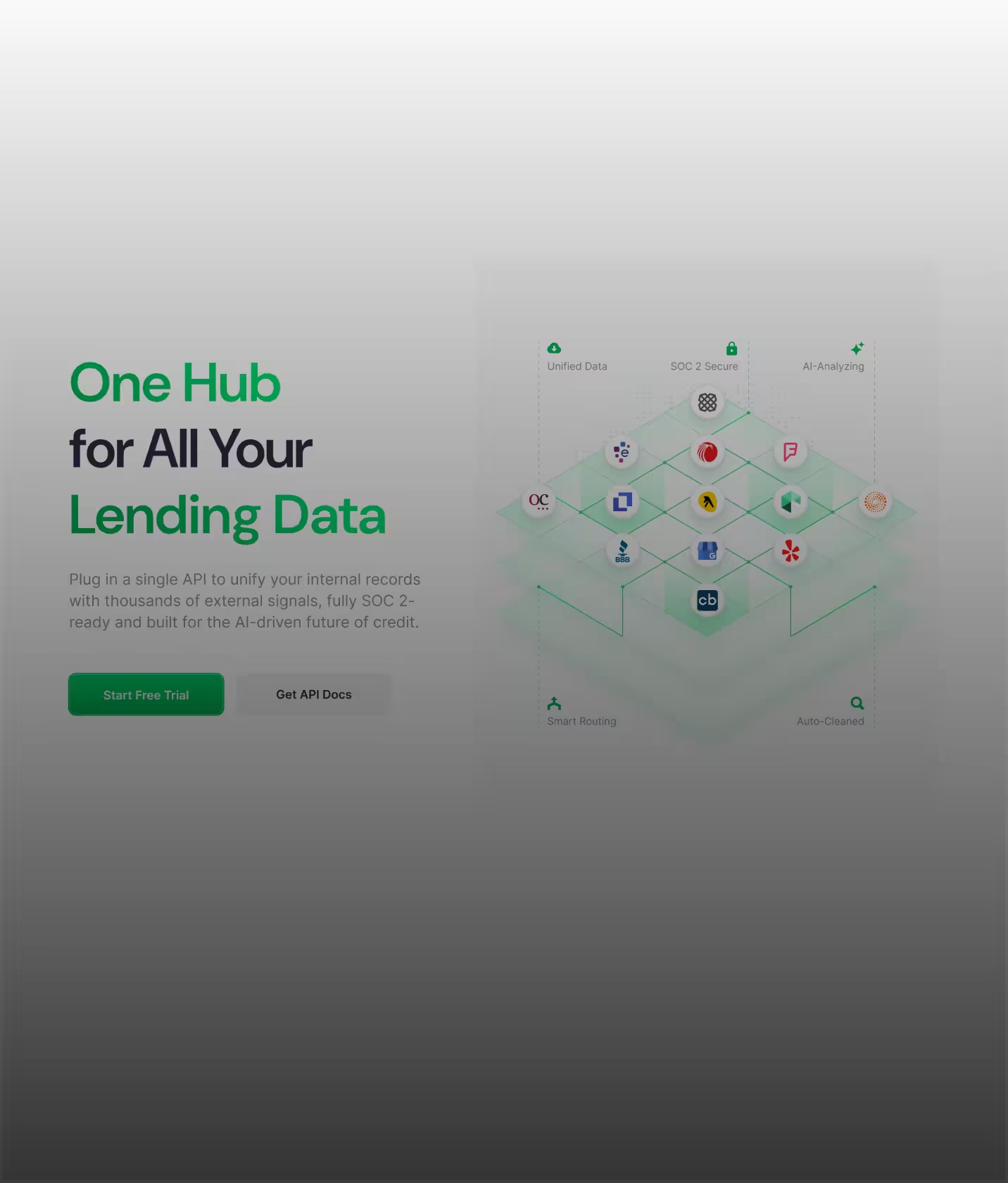

"The design work provided by Glow Design Agency completely exceeded project stakeholder expectations in terms of both quality and delivery. Their team was organized and communicative throughout the process, breaking down complex industry concepts and translating them into a sleek and useable UI."
Jon Fry·CEO & Founder at Lendflow (YC W21)
View story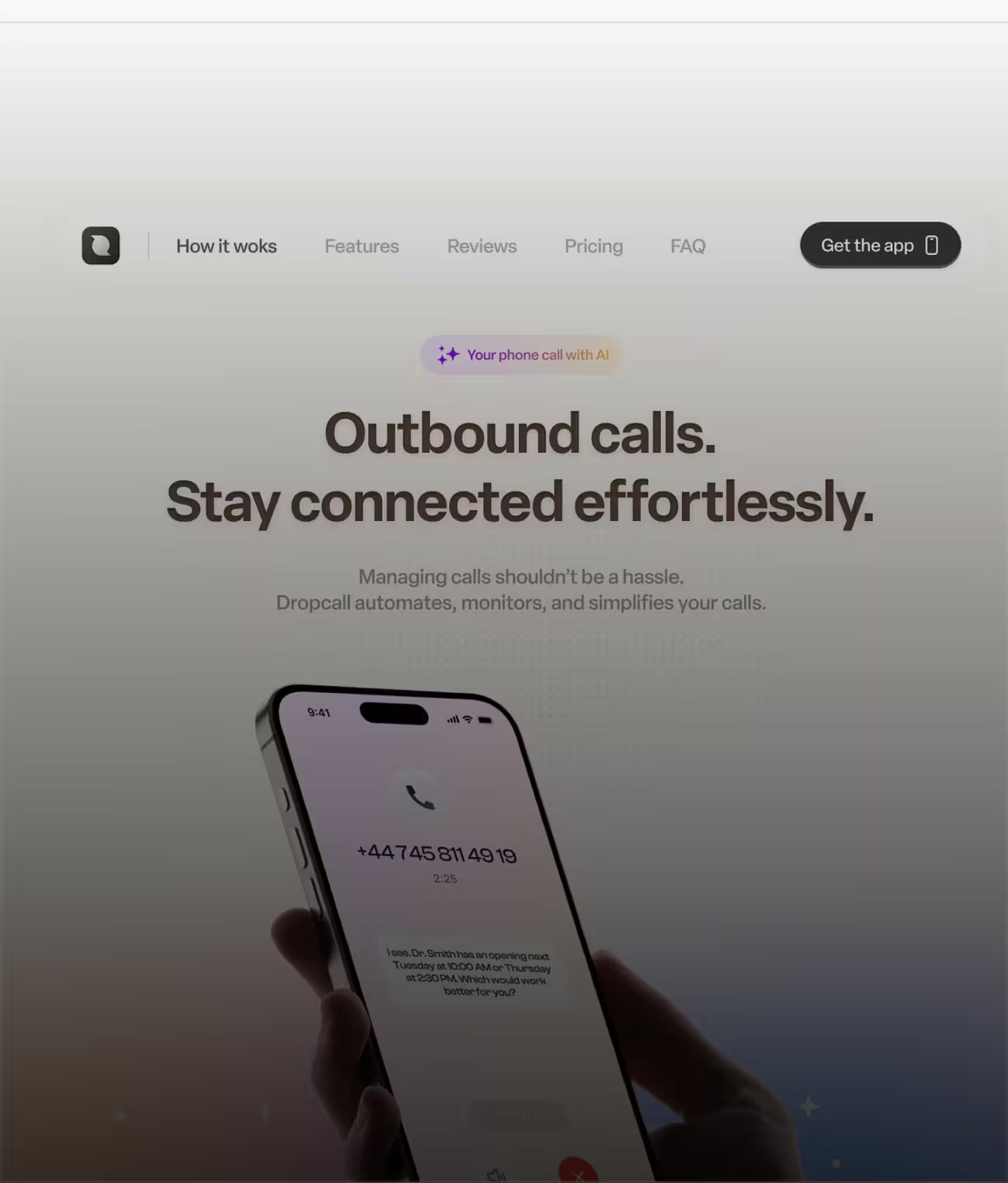

“About a week ago, we went a bit viral with 10k users in 2 days and we received a lot of positive feedback about the design - so thank you Glow for that!”
Israel Benarousse·CEO, Dropcall
View story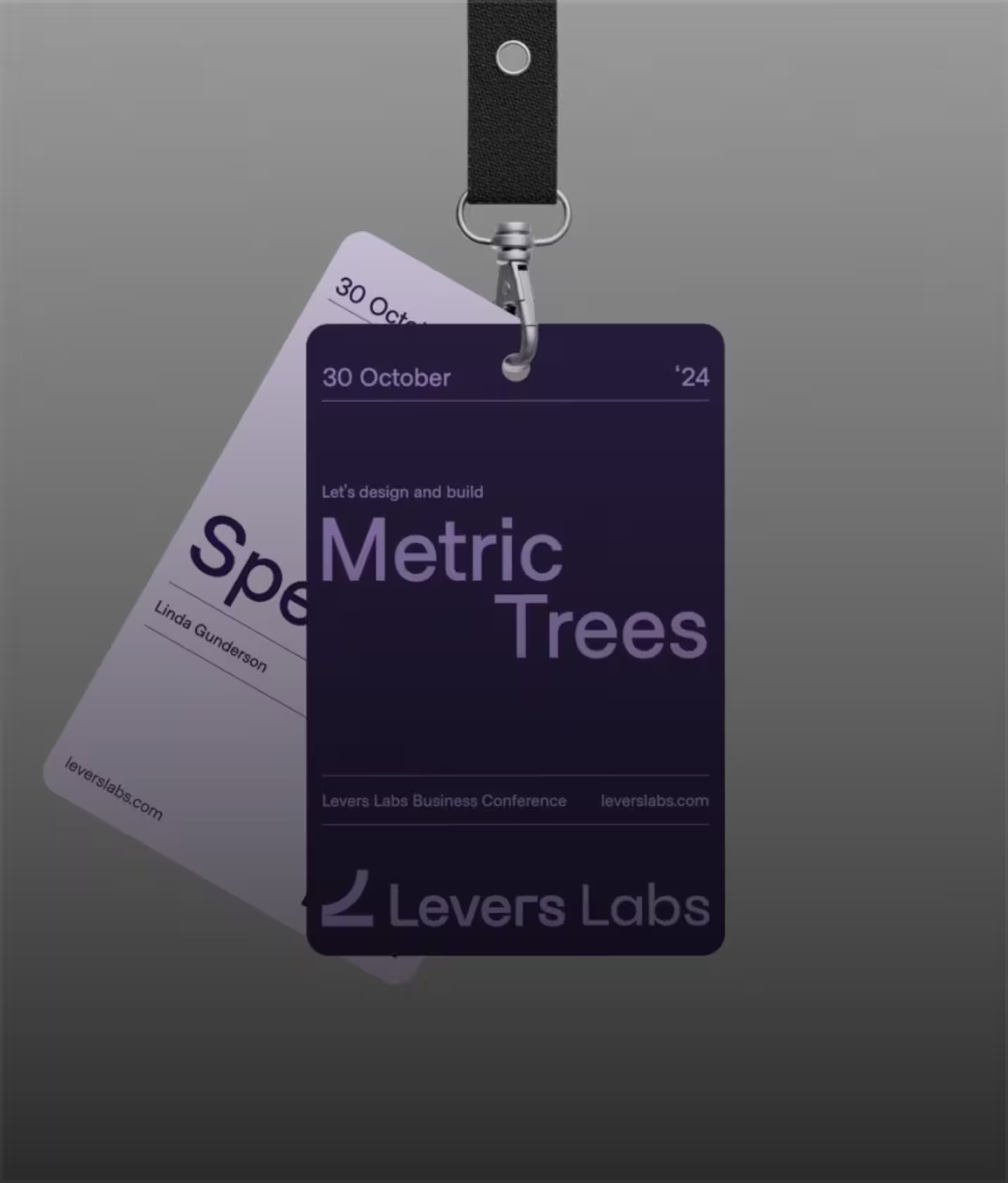

“Glow Design Agency delivered high-quality UX/UI designs that enabled the client to close more deals. Their animated video and design gained the client almost 500+ new LinkedIn followers. The team executed work on time and within budget.
Doug Marinaro·CEO, Riptide
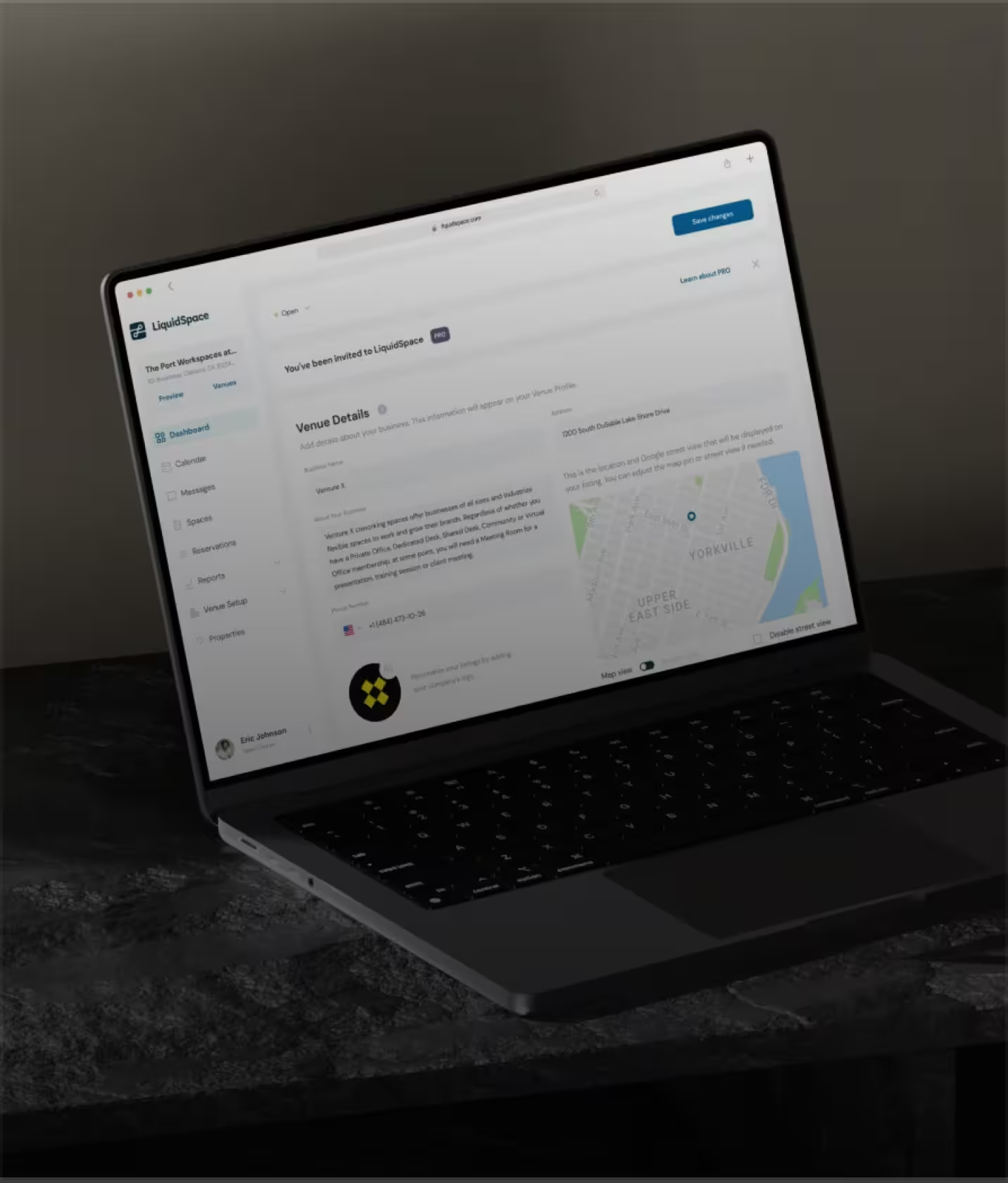

"Glow Design provided UI/UX design for a office space provider and has since expanded their role to include design updates for the site's front- and backend as well as social media visuals and animations."
Eric Zellhart·VP Product at LiquidSpace
View story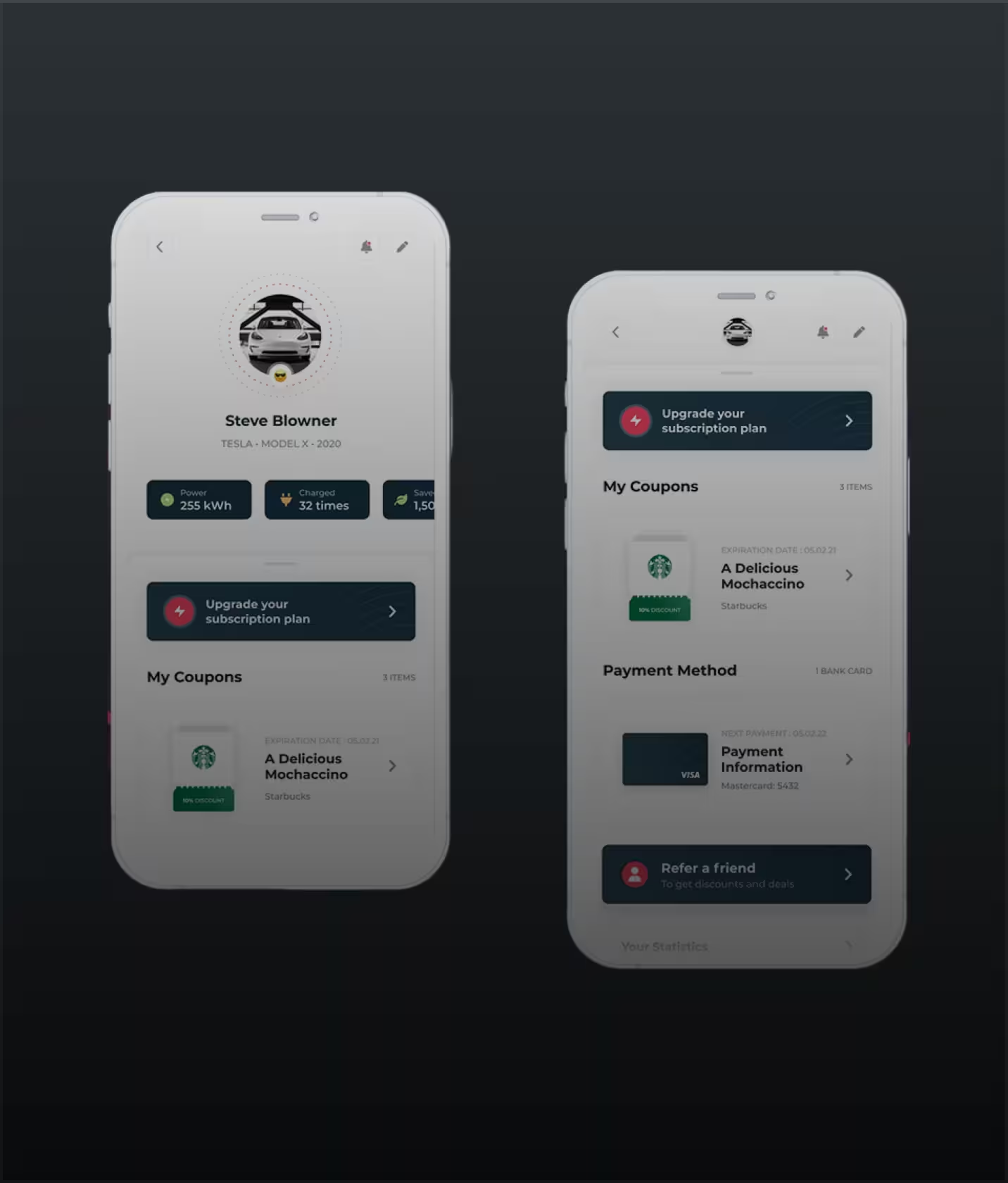

"Glow Design Agency provided UI and UX design services for e-cars charging market company. They were tasked with designing the UX and UI of the app's prototype."
Max Grollmann·Managing Director
View story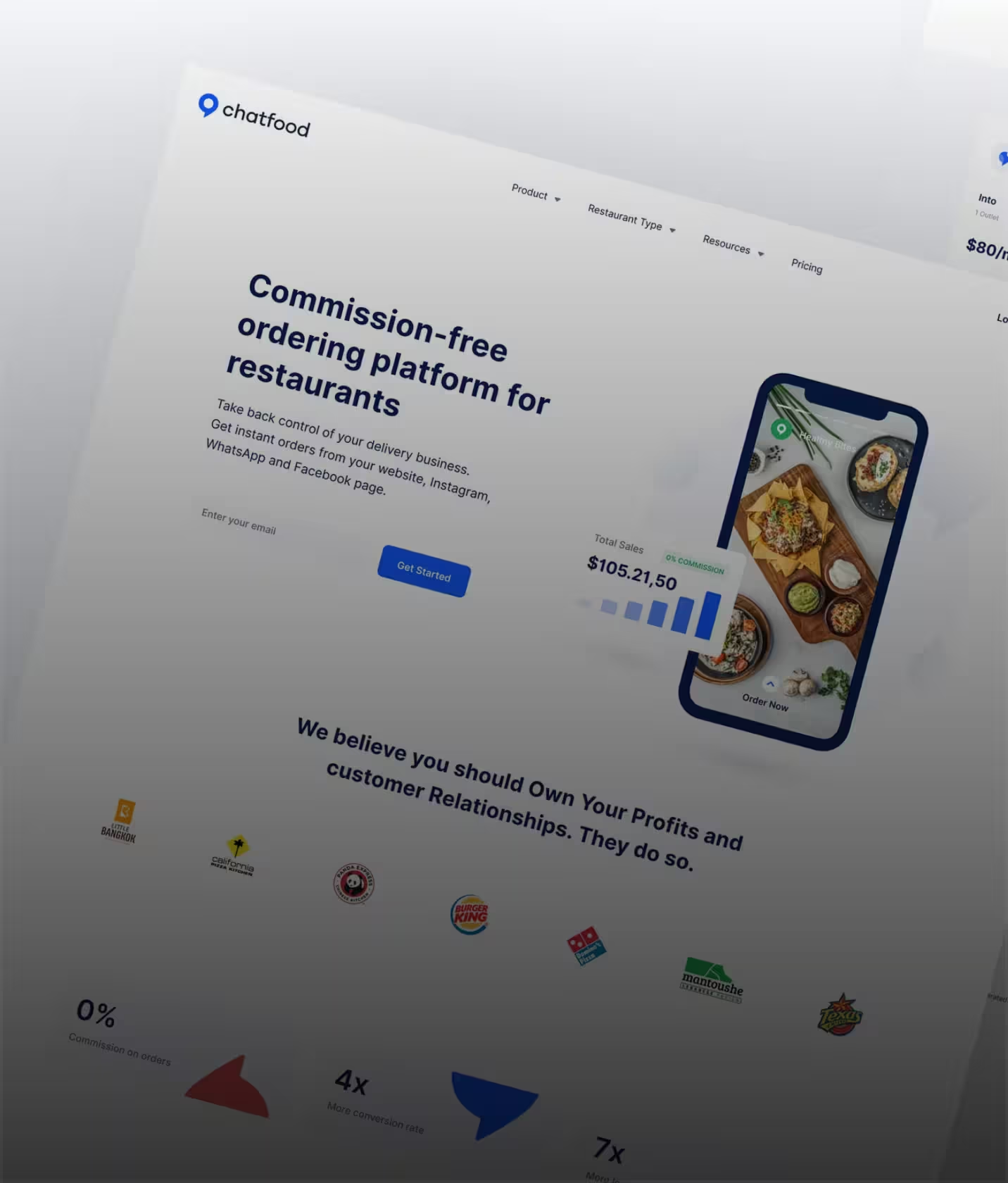

"Glow was hired by an e-commerce platform for their UI/UX design services. They redesigned website and provided support. After the new website was launched, the client saw a significant increase in conversions."
Vinicius Rodrigues·CTO at E-Commerce Platform
From case management platforms to legal AI tools - our legal tech design expertise covers every type of legal software.
Case management platforms designed for the volume, speed, and accuracy demands of legal practice - from small firm matter management to enterprise multi-practice-area platforms.
Contract creation, review, negotiation, and execution tools designed around how legal professionals actually work with documents - annotation, redlining, version control, and approval workflows.
Client-facing legal portals designed for users without legal training - clear matter status, document sharing, and communication tools that reduce inbound calls and improve client relationships.
Legal research assistants, contract analysis tools, and AI-powered document review platforms - designed to make AI output trustworthy and actionable for legal professionals.
Legal operations platforms, compliance management tools, and e-billing systems designed for the business side of legal practice - efficiency, cost control, and regulatory compliance.
Have a legal tech product with low adoption?
Legal tech UX design is the practice of designing software interfaces specifically for legal professionals and legal workflows. It requires understanding how attorneys, paralegals, and legal operations professionals actually practice - including the time pressures, information density, and accuracy requirements that make legal work different from most other professional contexts.
Legal tech UX design is the practice of designing software interfaces specifically for legal professionals and legal workflows. It requires understanding how attorneys, paralegals, and legal operations professionals actually practice - including the time pressures, information density, and accuracy requirements that make legal work different from most other professional contexts.
A focused engagement - covering one core workflow and user type - typically takes 6-8 weeks. Full legal platform design covering multiple practice areas, user roles, and client-facing components typically runs 10-14 weeks.
A focused engagement - covering one core workflow and user type - typically takes 6-8 weeks. Full legal platform design covering multiple practice areas, user roles, and client-facing components typically runs 10-14 weeks.
Yes - and we recommend designing both in the same engagement. The attorney workflow and the client experience are closely connected: what attorneys do in the system directly affects what clients see in the portal. Designing both with a shared understanding of the legal workflow produces a more coherent product.
Yes - and we recommend designing both in the same engagement. The attorney workflow and the client experience are closely connected: what attorneys do in the system directly affects what clients see in the portal. Designing both with a shared understanding of the legal workflow produces a more coherent product.
We have designed legal tech products for litigation, corporate transactional, real estate, employment, and compliance practices. Each has specific workflow patterns, document types, and deadline structures that shape interface design. We research the specific practice area before designing for it.
We have designed legal tech products for litigation, corporate transactional, real estate, employment, and compliance practices. Each has specific workflow patterns, document types, and deadline structures that shape interface design. We research the specific practice area before designing for it.
We work within standard legal confidentiality frameworks throughout the research process - NDAs, data minimization, and no storage of client matter data. We are experienced in working with legal teams who need to protect client confidentiality during product research.
We work within standard legal confidentiality frameworks throughout the research process - NDAs, data minimization, and no storage of client matter data. We are experienced in working with legal teams who need to protect client confidentiality during product research.
Figma files covering all screens and legal-specific states (matter status, deadline alerts, document states), a legal tech component library, developer specs, research findings from attorney and paralegal interviews, and usability test results from professional legal users.
Figma files covering all screens and legal-specific states (matter status, deadline alerts, document states), a legal tech component library, developer specs, research findings from attorney and paralegal interviews, and usability test results from professional legal users.





We use cookies to see how the site is used and to measure our ads. You choose. Privacy Policy