How to Design UX for an MVP: A Step-by-Step Process for Startups


AI Summary. What’s included?
This guide explains how to design UX for an MVP, the smallest version of a product that real users can use to solve one problem. It covers the difference between an MVP, a prototype and a beta, a seven-step design process and what a four-week design sprint looks like. It also covers what to keep and skip, designing an AI MVP, how to measure the result after launch, who should design your MVP and common mistakes.
How to design UX for an MVP: a 7-step process, a 4-week design sprint plan, what to keep and skip, AI MVP tips and how to measure the result after launch.
Designing UX for an MVP means building the smallest version of a product that real users can actually use to solve one real problem, and learning from what they do. The "minimum" applies to features, not to usability. A first version with three features that work clearly will teach you more than one with ten features nobody can figure out.
This guide walks through the MVP UX design process step by step, shows what a four-week design sprint looks like in practice, and covers what to keep, what to skip and how to measure the result.
What MVP UX design is (and what "minimum" doesn't mean)
An MVP exists to test a hypothesis: that a specific group of people has a problem and will use your product to solve it. UX design for an MVP focuses on one thing, making that test fair. If users drop off, you want it to be because the idea is wrong, not because the sign-up form was confusing or the main action was hidden.
That's why cutting UX is a false saving. You can cut features, integrations, settings, edge-case flows and visual polish on secondary screens. You can't cut clarity on the core flow, basic accessibility or the feedback that tells users what happened. Those are what make the experiment valid.
MVP vs prototype vs beta
These terms get mixed up constantly, and the difference matters for what you design.
A prototype is usually part of designing the MVP; the MVP comes before the beta. If you're deciding how complete the first release should be, our comparison of MVP vs MMP vs MLP covers the next stages.
The MVP UX design process in 7 steps

1. Define the problem, the user and one success metric
Write one sentence each for the user, their problem and how they solve it today. Then pick a single metric that would show the MVP is working, such as "30% of sign-ups complete their first report within a week." Teams that skip this step end up arguing about features, because there's nothing to measure them against.
2. Run lightweight research
You don't need a research program, but you do need contact with real users. Five to eight interviews with people who have the problem usually reveal how they handle it today, what frustrates them and what words they use. Ask about past behavior rather than opinions: "Tell me about the last time you had to do this," "What did you use?", "What was the most annoying part?" and "What did it cost you in time or money?" Avoid asking whether they'd use your idea; almost everyone says yes. Look at competitors and workarounds (spreadsheets, manual processes) too. If you're building B2B, consider signing a few design partners who agree to test early versions.
3. Prioritize features around one core job
List every feature you've considered, then sort them. A simple MoSCoW split (must have, should have, could have, won't have this time) works well for MVPs. The test for a "must": without it, can the user complete the core job at all? Everything else waits. Our guide to scoping an MVP in one week goes deeper on how to cut.
4. Map the core user flow
Draw the path from first visit to the moment the user gets value: landing, sign-up, setup, first action, result. Count the steps and question each one. Many MVP flows can lose several steps by asking for information later, using sensible defaults or showing a sample result before setup is complete.
5. Wireframe and prototype
Sketch the screens in the core flow as low-fidelity wireframes and agree on structure before visual design. Then turn them into a clickable prototype. Use realistic content, not placeholder text: real names, real numbers, real empty states. Problems with copy and data density only show up with real content.
6. Test with users before writing code
Put the prototype in front of five or so people from your target group and ask them to complete the core task while thinking aloud. Watch where they hesitate, what they misread and where they expect something else to happen. A round of testing at this stage costs days. Finding the same problems after launch costs weeks of development and a lot of lost first impressions.
7. Design the UI on a lightweight system and hand off
Design the final screens using a small component set: colors, type scale, buttons, inputs, states (empty, loading, error, success). It doesn't need to be a full design system, but building on components from day one makes iteration much faster later. Hand off with specs, tokens and notes on edge cases so developers don't have to guess.
What a 4-week MVP design sprint looks like
Here's how we structure MVP design at Glow, as a concrete example of the process above compressed into four weeks.
The fixed four-week frame is deliberate. It forces scope decisions early, keeps founders involved weekly instead of reviewing a big reveal at the end, and produces something real users and investors can try. One example from this format: for Dropcall, an AI calling product, the work went from concept to a product the company reports has passed 10,000 users. For CryptoGenie, an AI-powered crypto trend prediction tool, a three-person team designed the web platform, mobile app, branding and design system from an idea and market research.
What to keep and what to skip in MVP UX
The pattern: anything that affects whether users can get value, or whether you can measure it, stays. Anything that only adds breadth waits for evidence that people want it.
Designing an AI MVP
AI products add specific UX risks that are worth handling even in the first version, because they decide whether users trust the core feature.
Set expectations. Tell users what the AI can and can't do, with examples of good requests. Blank chat boxes with no guidance produce poor first results and early churn.
Design for imperfect output. Make it easy to edit, retry or give feedback on every AI result. Users forgive mistakes they can fix quickly; they abandon products that leave them stuck with a wrong answer.
Show what the result is based on. Sources, inputs used or a short explanation help users judge whether to trust it, and they help you debug quality issues from user feedback.
Handle waiting. AI responses take time. Progress states that show what the system is doing keep users engaged better than a spinner.
Measuring your MVP after launch
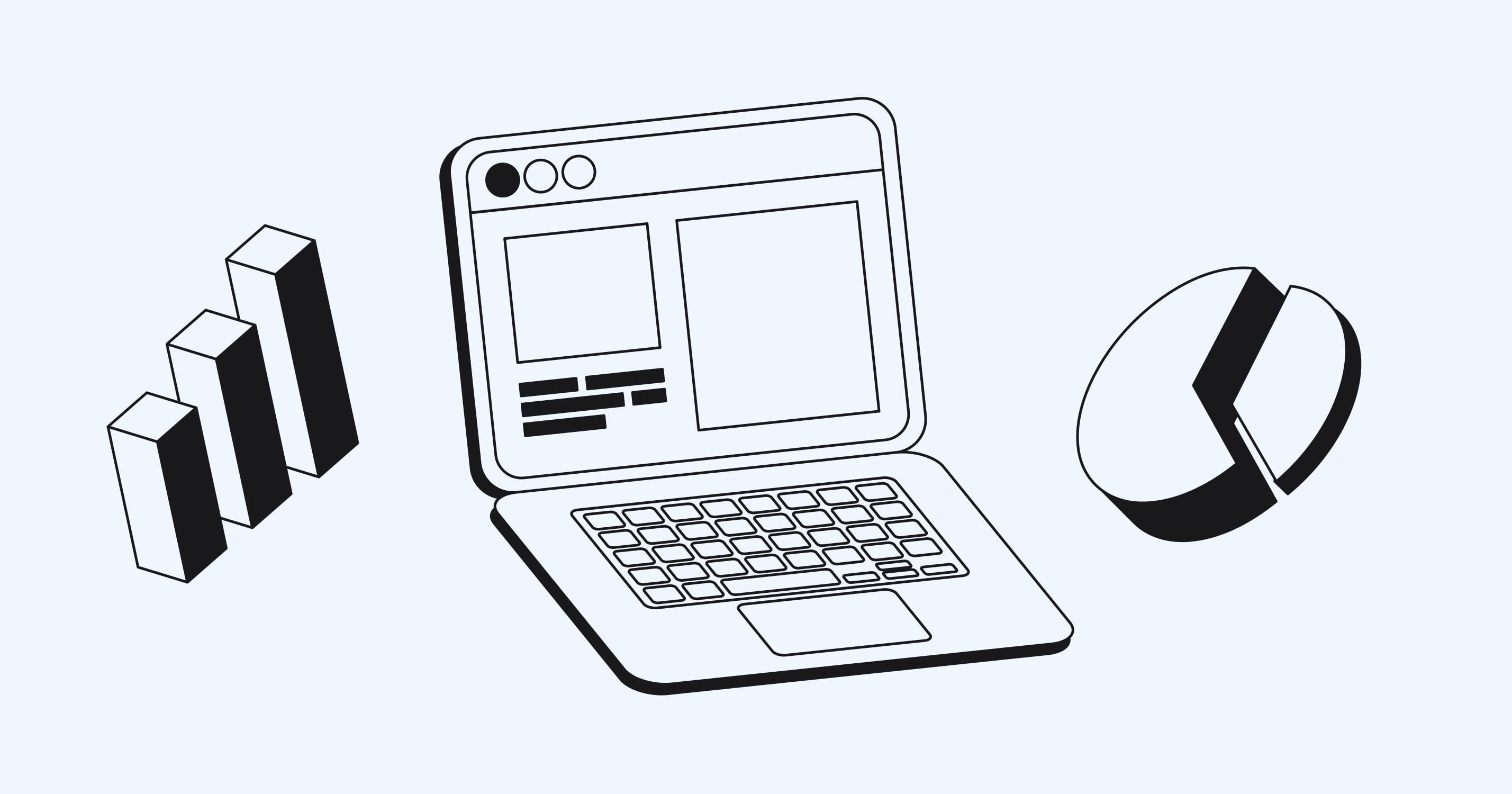
Go back to the success metric from step one and track the funnel around it: how many people sign up, how many reach the first meaningful action (activation), how many come back in the following weeks (retention), and where they drop off. Pair the numbers with conversations. Five short calls with users who dropped off often explain what the analytics only show.
Decide in advance what result would make you continue, change direction or stop. Without that, it's tempting to read any outcome as encouraging and keep building.
Who should design your MVP?
Founders usually have three options, and each fits a different situation.
Design it yourself. Realistic if a founder has design experience or the product is simple and close to existing patterns. Use a UI kit, follow platform conventions and spend the saved money on user testing. The risk is that founders are too close to the idea to see where new users get lost.
Hire a freelancer. A good option for a well-defined scope when you can manage the process: research, priorities and decisions stay with you. Look for someone who has shipped products, not only made visuals, and who will test with users rather than only deliver screens.
Work with a product design agency. Makes sense when speed matters, the product is complex (AI, fintech, B2B workflows), or you need research, UX, UI and a component system from one team. A fixed-scope engagement keeps cost predictable and forces scope decisions early.
Whichever you choose, keep one person on your side responsible for product decisions. Design can make the MVP clear and usable, but someone on the founding team has to decide what it's for.
Common MVP UX mistakes

Treating "minimum" as "low quality." A confusing MVP fails for the wrong reasons and teaches you nothing about the idea.
Building too many features. Every extra feature dilutes the core flow and stretches the timeline. If users don't use the core feature, more features won't save it.
Skipping testing to save time. A few prototype tests are the cheapest insurance in the whole process.
No clear success metric. Without one, every result looks ambiguous and decisions get made on opinion.
Designing everything from scratch. Use platform conventions and proven patterns for standard parts like sign-up, settings and tables. Save original design for what makes your product different.
Designing UX for an MVP comes down to focus: one user, one problem, one core flow designed and tested well enough that the market's answer is a real answer.
Frequently asked questions
What is the difference between a prototype and an MVP?
A prototype is a model used to test whether a design or idea is understandable, often with simulated data and no working backend. An MVP is a working product, limited to its core features, that real users use with real data to show whether the product delivers value.
What is the difference between an MVP and an MLP?
An MVP (minimum viable product) tests whether users get value from the core functionality. An MLP (minimum lovable product) aims for a first version users enjoy enough to recommend, with more attention to experience and polish. Many startups move from MVP to MLP once the core value is proven.
How long does it take to design an MVP?
A focused MVP design, covering the core flow, prototype testing and final UI, can be done in about four weeks. Larger products with several user roles or complex integrations take longer.
How much does MVP design cost?
It depends on scope and who does the work. As one reference point, Glow's MVP design engagement is a fixed $12,500 for four weeks, covering one platform with a senior team. Development is a separate cost.

.svg)

Related Articles Prompted by Glow



Get weekly glow prompts—
insights from the frontline of product design
Check your inbox for future updates.
No spam.
Just sharp insights that make you better at design & AI.
Want results like this? Book a call
Let's talk through your product in 30 minutes — no briefs, no fluff. Just a real conversation.