Top 7 AI Product Design Tools for 2026


Learn the top AI product design tools for 2026 that speed up UX research, prototyping, asset creation, and decision-making.
Why AI Matters in Modern Product Design
AI product design tools are fundamentally changing how design teams work. They cut down repetitive tasks, speed up prototyping, and help teams move from concept to testing much faster. Instead of spending hours on basic wireframes or asset creation, designers can focus on solving user problems and refining experiences that truly matter to users.
These tools handle the mechanical aspects of design work — resizing components, generating layout variations, creating placeholder content, and producing initial visual concepts. This automation means designers spend less time on execution and more time on strategy, user research, and creative problem-solving.
AI also strengthens collaboration across teams. Product managers can visualize ideas quickly without waiting for designer bandwidth. Engineers get clearer specs earlier in the process, reducing misunderstandings and rework. Best AI tools for product designers analyze user behavior patterns, predict attention flows, and suggest improvements based on data — not just intuition or experience.
The result is faster iteration cycles and better-informed decisions. Teams test more variations, gather feedback sooner, and ship products that actually solve user needs. AI doesn't replace designers — it amplifies their impact by handling the grunt work and providing insights that would take weeks to gather manually.
How We Selected These AI Tools
We evaluated tools based on practical value for real design work. Each tool on this list solves specific problems designers face daily: generating wireframes quickly, creating visual assets, analyzing UX patterns, or structuring research insights into actionable recommendations.
Our criteria focused on measurable impact: Does it meaningfully speed up workflows? Does it improve decision quality? Can cross-functional teams use it without steep learning curves? We prioritized AI tools for UX/UI that integrate naturally into existing processes rather than requiring complete workflow overhauls that disrupt team productivity.
The 7 Best AI Product Design Tools
1. Uizard — Fast UI & Wireframing Automation
Uizard generates user interfaces from text descriptions, screenshots, or hand-drawn sketches. This makes it perfect for rapid MVP mockups when you need to visualize concepts quickly without investing significant design time upfront.
The tool uses machine learning to understand design patterns and best practices. It can recognize common UI elements in sketches and convert them into clean, structured digital wireframes.
Use cases: Turn a rough sketch into clickable wireframes in minutes. Convert competitor screenshots into editable designs for inspiration. Generate UI variations from text prompts like "mobile checkout flow with Apple Pay" or "dashboard showing sales metrics."
Best for early-stage exploration when speed matters more than pixel perfection. Product teams can test concepts with users before committing designer time to high-fidelity work.
2. Framer AI — Instant Website & Interaction Prototyping
Framer AI builds interactive landing pages and prototypes from simple prompts. It handles responsive layouts, animations, and component systems automatically, producing production-ready code alongside the visual design.
The platform understands common design patterns for different industries and use cases. You can describe what you need in plain language, and it generates a starting point that often requires minimal refinement.
Use cases: Launch marketing pages in hours instead of weeks. Test different value propositions with real interactive prototypes. Build component libraries that automatically adapt to different brand guidelines. Create responsive designs that work across devices without manual adjustments.
AI prototyping tools like Framer work well for validating ideas with stakeholders or running quick A/B tests of messaging and layout approaches.
3. Adobe Firefly — Generative Visual Assets for Professional Design
Firefly creates and edits images from text prompts while maintaining Adobe's professional-quality standards. It integrates directly into Photoshop and Illustrator workflows, making it accessible to designers who already use these tools.
Unlike standalone image generators, Firefly focuses on practical design tasks: extending images, replacing elements, generating textures, and creating variations. It understands context and maintains consistency with surrounding content.
Use cases: Generate custom illustrations that match your brand style and color palette. Remove or replace elements in photos without manual masking. Create multiple visual variations for A/B testing different hero images or background treatments.
Strong for teams that need high-fidelity assets but lack dedicated illustration resources. AI design tools 2026 increasingly focus on this production-quality output that can actually ship in final products.
4. Midjourney / DALL·E — Concept Art & Visual Exploration
These image-generation tools excel at visual exploration and moodboarding. They help teams align on aesthetic direction before investing in custom photography or illustration work that might miss the mark.
Both tools can generate imagery in countless styles — from photorealistic to illustrative, minimalist to maximalist. This versatility makes them valuable for quickly exploring different visual directions.
Use cases: Create mood boards showing different visual directions for stakeholder review. Generate hero images for early prototypes when you need something better than stock photography. Explore visual metaphors for abstract concepts that are difficult to photograph conventionally.
Not suitable for final production assets in most cases, but invaluable for early creative direction and stakeholder alignment on visual approach.
5. Attention Insight — UX Analytics & Heatmap Prediction
Attention Insight predicts where users will look at your designs using an AI-powered eye-tracking simulation. This provides UX insights before running actual user tests, helping teams catch obvious issues early in the design process.
The platform analyzes visual hierarchy, contrast, positioning, and other factors that influence where people naturally look. It generates heatmaps showing predicted attention patterns.
Use cases: Validate if key CTAs get attention or get lost in visual clutter. Compare layout options for conversion potential before committing to development. Identify if important information gets overlooked due to poor positioning. Test form designs to ensure error messages will be seen.
Best AI tools for product designers include analytics that inform decisions with data. This tool catches obvious UX issues early, saving time on test recruitment and analysis.
6. Canva Magic Design — Rapid Content & Asset Creation
Canva's AI features generate presentations, social graphics, and UI placeholders from simple prompts. It's accessible to non-designers, making it useful for cross-functional teams who need to create materials without designer bottlenecks.
The tool understands common design needs across different contexts — social posts, presentations, reports, and more. It automatically applies appropriate layouts, typography, and color schemes.
Use cases: Create presentation decks from bullet points. Generate branded graphics for marketing materials that maintain visual consistency. Build quick UI mockups for internal stakeholder reviews. Produce multiple variations of social media posts for different platforms.
Works well when designers need to empower PMs and marketers to create on-brand materials without creating bottlenecks.
7. Claude & ChatGPT — Research, Content, and Ideation Assistants
Large language models help with research synthesis, UX writing, and structured thinking. They're assistants for the conceptual work that happens before visual design — the strategy, research analysis, and content work that shapes good design decisions.
These tools excel at processing large amounts of information and identifying patterns. They can summarize lengthy research reports, generate variations of content, and help teams think through complex problems.
Use cases: Summarize user research findings into actionable insights. Generate microcopy variations for testing different tones. Structure brainstorming sessions and workshop outputs. Draft user personas from research data. Analyze competitor products and identify opportunities for differentiation.
AI tools for UX/UI aren't just visual — these assistants handle the strategic thinking and content work that shapes good design.
How AI Enhances the Product Design Workflow
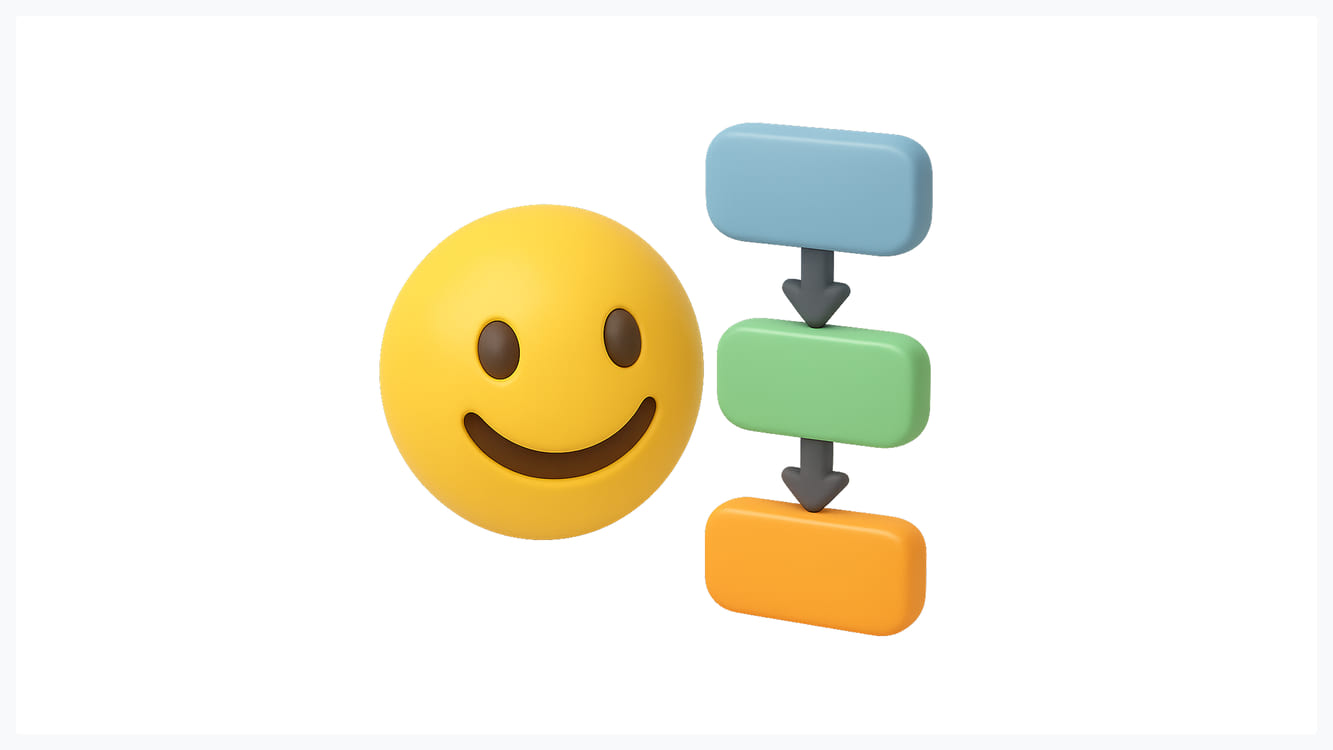
AI speeds up prototyping dramatically. Tasks that took days now take hours. Designers can explore more directions in the same timeframe, which leads to better final solutions because the team has considered more possibilities.
It reduces repetitive work that doesn't require strategic thinking. Resizing assets for different platforms, generating variations of similar layouts, and creating basic component libraries — all these tasks get automated or significantly accelerated.
AI prototyping tools improve discovery quality by enabling more experimentation. Teams test radical ideas alongside safe options because the cost of exploration drops dramatically. When creating a prototype takes hours instead of days, you can afford to test unconventional approaches.
Data-driven insights from AI analytics also catch usability issues earlier in the process. Tools like Attention Insight reveal problems with visual hierarchy before you've committed development resources. This early validation prevents costly redesigns after launch.
The combination means faster cycles from concept to validated solution. Teams ship products that better match user needs because they've tested more thoroughly in less time.
Challenges to Consider When Using AI Design Tools
AI output quality depends heavily on prompt quality. Generic inputs produce generic results. Getting good outcomes requires practice and iteration — it's a skill in itself that takes time to develop.
Key challenges include:
- Prompt dependency: AI trained on poor examples produces poor suggestions. AI design tools 2026 still struggle with brand consistency and nuanced design requirements that experienced designers handle instinctively.
- Copyright uncertainty: Some AI-generated content may raise intellectual property concerns, especially when tools are trained on copyrighted material without clear licensing. Always check terms of service and usage rights before using AI assets in production.
- Design homogenization risk: When everyone uses the same AI tools with similar prompts, products start looking alike. Distinctive design still requires human creativity and strategic thinking about differentiation.
- Limited context understanding: AI can't replace understanding your specific users and their context. Tools provide general best practices but don't know your users' unique needs, constraints, and preferences.
Tips for Integrating AI Into Your Design Process

Start with assistant roles, not replacements. Use AI for tasks like generating variations, creating placeholders, or synthesizing research. Keep human designers in control of strategic decisions and final quality validation.
Best practices for AI integration:
- Build iterative workflows: Combine AI speed with human expertise. Let AI generate options quickly, then apply design thinking to refine and validate. Review AI outputs critically, asking whether they actually solve user problems.
- Pair AI with user research: Always combine the best AI tools for product designers with actual user research. AI can predict some patterns but can't replace talking to real users about their needs. Use AI insights to inform hypotheses, then validate through testing.
- Maintain UX fundamentals: Don't let AI dictate your UX logic or design thinking. Tools should serve your process, not replace it. The best teams use AI to execute ideas faster while maintaining rigorous user-centered processes.
- Set clear guidelines: Establish when to use AI versus traditional methods. Some tasks benefit greatly from AI acceleration, while others still require hands-on design work. Document these decisions so your team develops consistent practices.
- Invest in skills development: Prompt engineering and AI-assisted workflows require new skills. Provide time for experimentation and learning so your team can maximize AI tool effectiveness.
Work With a Product Design Team That Uses AI Effectively
Glow Team combines AI efficiency with deep product expertise to deliver exceptional design outcomes. We use AI product design tools strategically to accelerate timelines while maintaining the human insight that makes products successful. Contact us to discuss how we can strengthen your design capabilities and ship products faster.
FAQ
What are the best AI tools for product designers?
Top AI tools for UX/UI include Uizard for wireframing automation, Framer AI for interactive prototyping, Adobe Firefly for professional visual assets, Attention Insight for UX analytics, and Claude/ChatGPT for research synthesis. Choose based on your workflow needs.
How do AI tools fit into the UX/UI process?
AI prototyping tools work best in early exploration and iteration phases. Use them for rapid concept generation, creating multiple variations, analyzing patterns, and handling repetitive tasks. Keep human designers responsible for strategy and final quality decisions.
Can AI replace traditional prototyping tools?
AI complements rather than replaces traditional tools. AI design tools 2026 excel at speed and exploration but still need human oversight for nuanced decisions, brand consistency, and strategic thinking that tools can't yet replicate effectively.
What are the limitations of AI in product design?
Limitations include dependence on prompt quality, potential copyright issues, risk of generic outputs, inability to understand specific user contexts, and lack of strategic thinking. Best AI tools for product designers assist workflows but can't substitute deep user understanding or creative innovation.

.svg)

Related Articles Prompted by Glow












Get weekly glow prompts—
insights from the frontline of product design
Check your inbox for future updates.

No spam.
Just sharp insights that make you better at design & AI.
Want results like this? Book a call
Let's talk through your product in 20 minutes — no briefs, no fluff. Just a real conversation.